
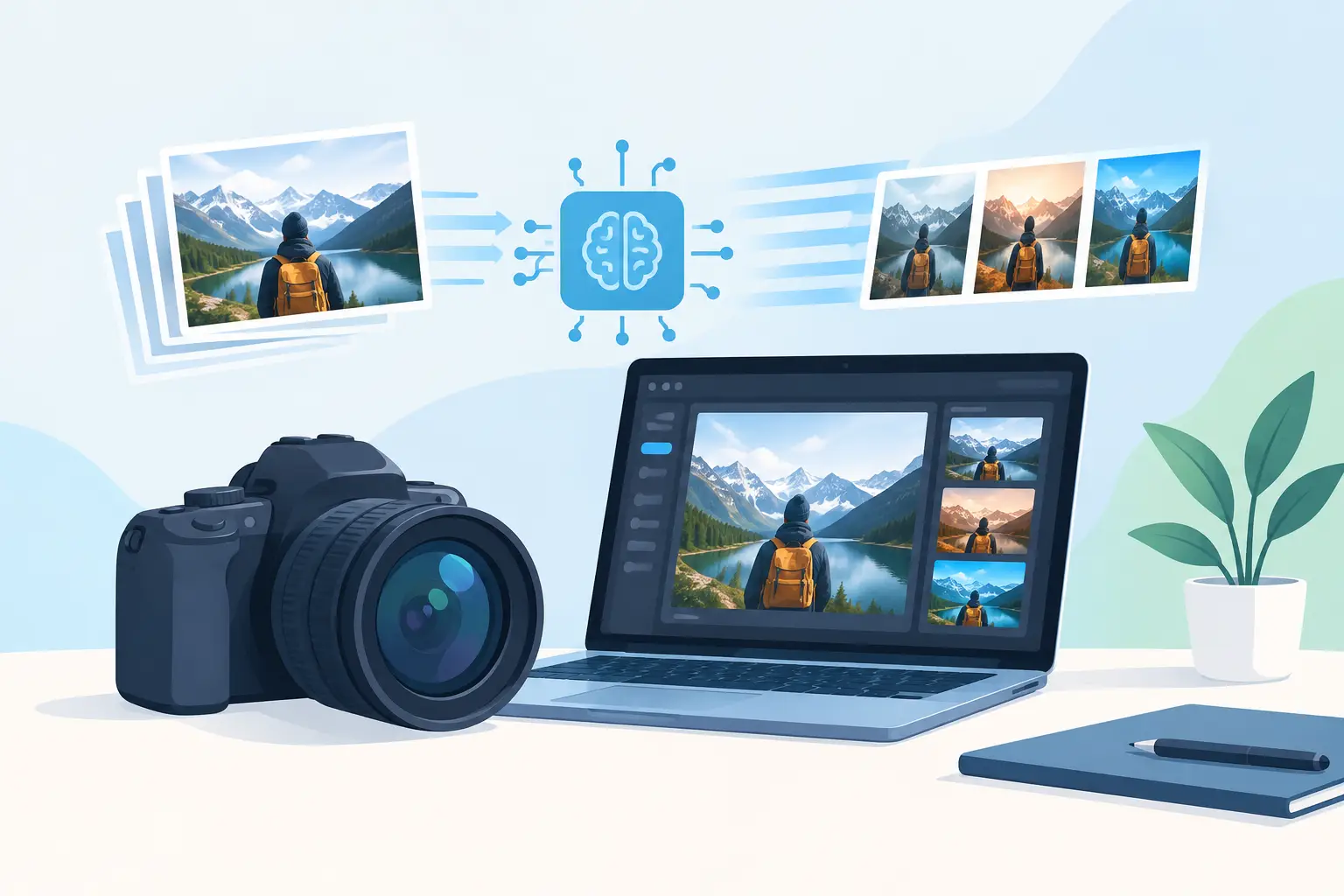
A product launch should not stall because the sample has not arrived, the weather ruined a shoot, or the team needs six more versions of the same ad. AI photography tools give marketers a faster route from product idea to campaign visual - especially when the work calls for volume, variation, and speed rather than a single hero photograph.
For ecommerce teams, agencies, founders, and social managers, the appeal is straightforward: create polished visual directions before committing time and budget to a conventional shoot. The stronger use case is not replacing every photographer. It is removing the production bottlenecks that make campaign testing slow, expensive, and difficult to scale.
What AI Photography Tools Need to Produce
The phrase covers more than image generation. In a commercial workflow, useful AI photography tools need to help teams create, refine, adapt, and deliver visuals that fit the channel where they will run. A striking image is only the starting point. A paid social campaign may need square, vertical, and landscape versions; distinct lifestyle settings; seasonal variations; clean space for copy; and a visual system that stays recognizable across every asset.
That is where generic image experiments tend to fall short. A marketing team needs intentional output. The product should look credible. The lighting should reinforce the brand. The composition should leave room for a headline, price point, or call to action. If the campaign requires text within the visual, it needs to be rendered accurately enough to avoid a cleanup cycle that erases the speed advantage.
The best workflow starts with a brief, not an effect. Define the audience, offer, channel, visual mood, product details that cannot change, and the action the ad should drive. Then translate that direction into prompts that describe a scene clearly: subject, setting, camera angle, lighting, materials, color palette, and composition. Specificity produces more usable first drafts than vague requests for a "premium" or "viral" image.
Where AI Photography Tools Create the Most Value
AI-generated visuals are particularly effective when a team needs many plausible creative routes before deciding what deserves media spend or a full production budget. Instead of debating a mood board for days, teams can produce campaign concepts and put them in front of stakeholders quickly.
Product concepts before the shoot
A physical product shoot still matters when texture, fit, engineering detail, or exact color accuracy are the selling point. But AI can establish the shot list first. A skincare brand can explore clinical, spa-inspired, editorial, and high-energy social directions. A beverage company can test bright summer settings against a darker, premium look. A furniture seller can visualize the same piece in multiple room styles.
These concepts make approvals more concrete. They also expose weak directions early, before a crew, location, props, and post-production budget are involved. Once a direction proves promising, the team can decide whether it is fit for AI-led execution, a traditional shoot, or a combination of both.
Always-on paid social creative
Ad performance often depends on creative iteration, not one perfect asset. Audiences fatigue. Offers change. Platforms favor fresh formats. A team that can make new images quickly can test different hooks without rebuilding every visual from scratch.
For example, one product concept can become a clean studio image for a catalog-style ad, a lifestyle scene for prospecting, a close crop for mobile placement, and an offer-focused composition with clear copy space. The goal is not variation for its own sake. Each version should test a meaningful decision: environment, audience cue, value proposition, product scale, or visual opening.
This is where speed becomes commercial leverage. Faster creative production means more informed decisions before budget is concentrated behind a single direction.
Seasonal and localized campaigns
Campaign calendars move quickly. Holiday creative, back-to-school promotions, regional moments, and trend-responsive content often arrive with a narrow production window. AI photography tools can help teams adapt an approved visual direction without reshooting an entire campaign.
The safeguard is brand consistency. A seasonal background is useful only if it still looks like the same company made it. Keep core brand signals steady: product presentation, color treatment, typography, composition rules, and the emotional tone of the imagery. Change the context, not the identity.
Build a Production System, Not a Prompt Collection
The difference between occasional AI images and repeatable commercial output is a system. Teams should document what works: prompt structures, approved visual references, negative instructions, preferred aspect ratios, and rules for product representation. This reduces random output and makes it easier for multiple people to create in the same visual language.
Start with a small set of campaign-ready creative territories. A wellness brand might establish bright clinical, warm domestic, and premium editorial directions. A fashion retailer might use clean lookbook, street-style, and event-night systems. Each territory should have a defined lighting approach, backdrop logic, color range, and framing style.
Then create modular prompts. Keep the non-negotiables fixed, such as the product, brand palette, or image composition. Swap the variable elements, such as the location, talent profile, season, offer, or opening visual. This makes iteration controlled rather than chaotic.
Asset organization matters just as much. Label creative by campaign, audience, offer, format, and concept. Save both the final export and the generation instructions that produced it. When a winning ad needs a fresh variation two weeks later, the team should be able to locate the source direction immediately.
The Trade-Offs Teams Should Plan For
AI imagery is fast, but it is not automatically accurate. Products with distinctive packaging, legally required labels, complex logos, or precise technical features need close review. The same applies to hands, jewelry, food textures, apparel construction, and scenes where realism carries the entire message. An image can look impressive at a glance and still fail under a customer’s closer inspection.
Use a quality-control pass before publishing. Check product details, text, proportions, shadows, background artifacts, brand colors, and any claim implied by the image. If people are shown, make sure the depiction fits the intended audience and does not rely on stereotypes or accidental visual cues that undermine the campaign.
Rights and policy decisions also deserve attention. Teams should understand the commercial terms of the tools they use and set clear internal rules for brand marks, likenesses, competitor references, regulated products, and customer data. For campaigns involving real people, sensitive categories, or strict compliance requirements, human review is part of production, not an optional final step.
There is also a strategic trade-off. If every brand uses the same generic prompt language, the resulting ads begin to look interchangeable. The answer is not more visual noise. It is better creative direction. Bring a real point of view: a specific customer tension, an unexpected setting, a recognizable color story, or a product truth that competitors cannot claim.
From Image Generation to Finished Campaign Creative
A still image rarely works alone. It may need motion for a vertical video, a voiceover for a product explainer, music for a social placement, and copy designed for multiple offers. Moving those pieces across separate tools creates the exact handoff problem AI production is meant to reduce.
Nox AI brings image, video, voiceover, music, and ad creation into one creative workspace, allowing a single campaign idea to become a coordinated set of assets instead of a folder of disconnected experiments. That matters when a team needs to maintain a visual direction across static ads, short-form video, product storytelling, and rapid test variations.
The practical question is not whether AI can make an image. It can. The better question is whether your team can turn a promising image into approved, channel-ready creative before the campaign window closes. Choose tools and workflows that support that full path.
Treat AI photography as a production advantage, not a novelty. Give it a clear brief, a defined brand system, and a measurable campaign job. The result is not simply more content. It is more chances to find the creative that earns attention and moves customers to act.