

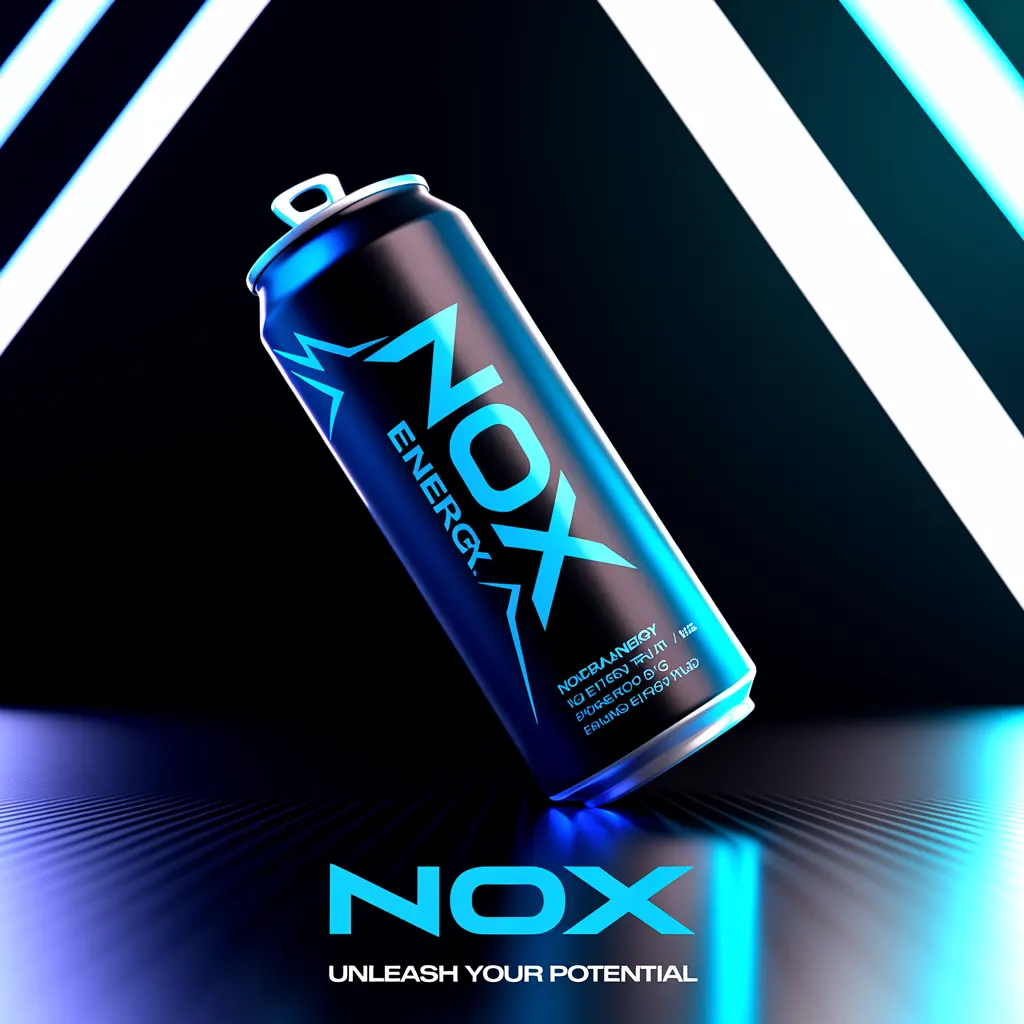
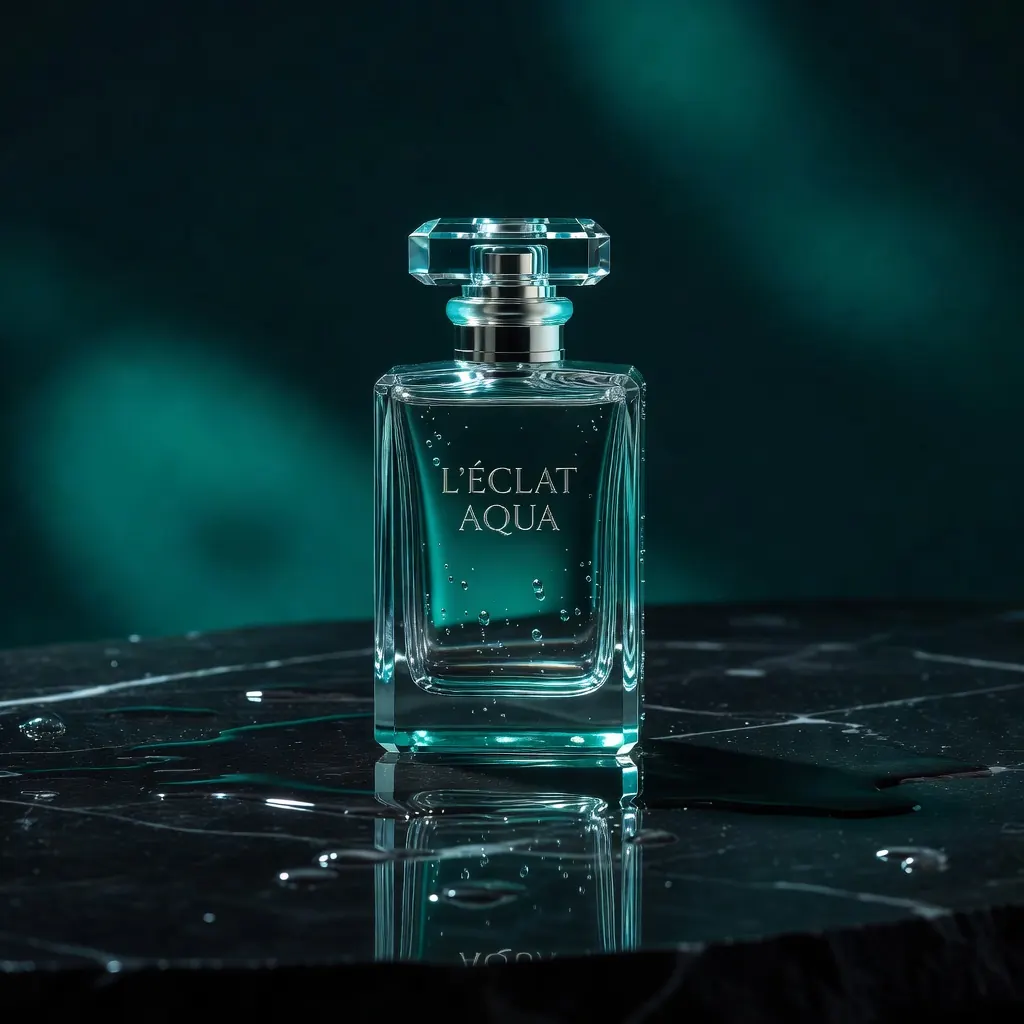
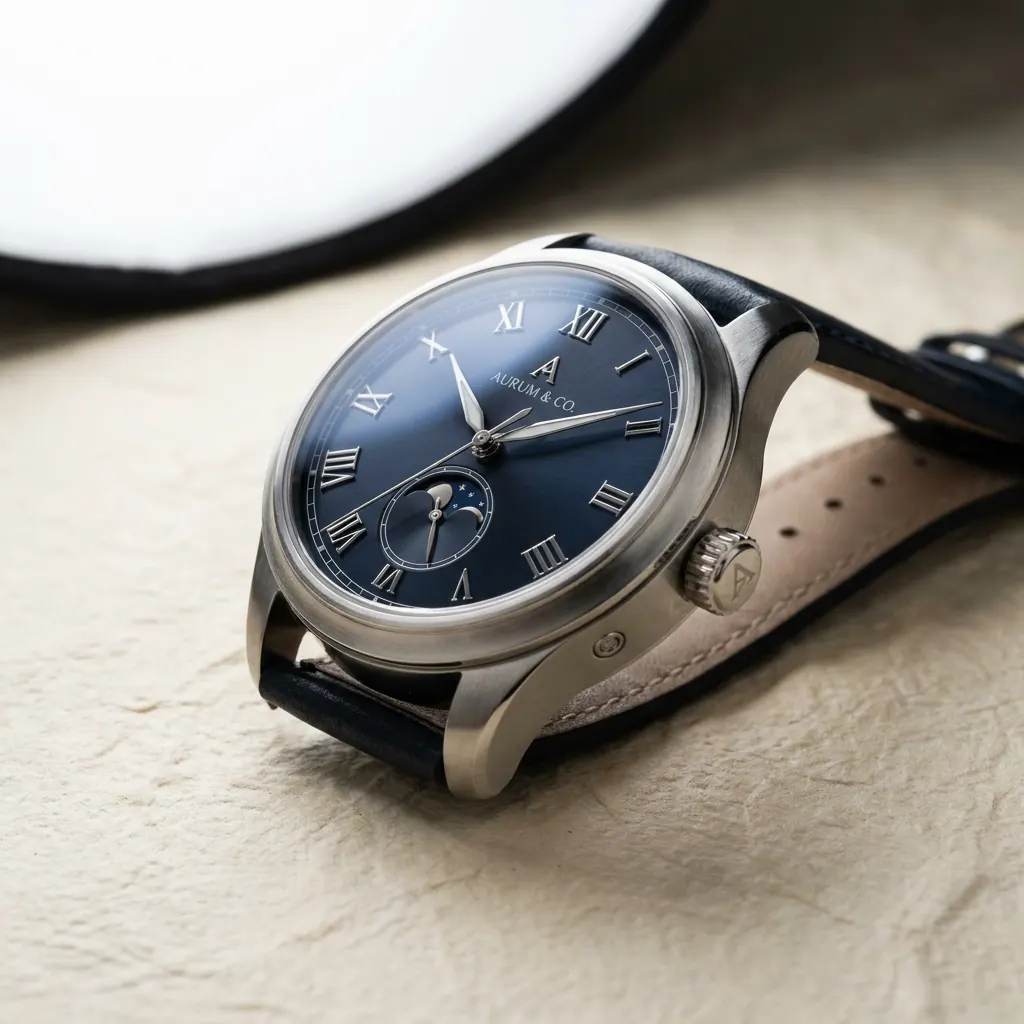


A paid-social concept can stall for days while a team waits on product photography, design revisions, or a fresh visual direction. Prompt to image generation changes that production math. A marketer can move from a campaign idea to a set of usable visual directions in minutes, then refine the strongest option for the audience, channel, and offer.
That speed matters, but speed alone is not the goal. The real value is producing images that look intentional enough to support an ad, landing page, email, product launch, or social series. Getting there requires more than typing a clever sentence. It requires a prompt built around a commercial decision: what should the audience notice, feel, and do next?
What Prompt to Image Generation Does for Marketing
Prompt to image generation turns written instructions into original visual assets. For a marketing team, those instructions can define a product, setting, audience, composition, lighting, color direction, and the level of polish required for a specific placement.
Instead of briefing a photographer, sourcing stock, and waiting for a design pass before testing a direction, teams can create several concepts while the campaign is still taking shape. A skincare brand might test a clean studio product shot, a sunlit bathroom counter scene, and a close-up texture visual for the same launch. An ecommerce operator can create seasonal hero images before inventory arrives at a studio. A founder can turn a rough positioning idea into creative that makes the idea easier to evaluate.
The best use case is not replacing every existing production process. High-stakes brand work, precise product accuracy, regulated claims, and campaigns featuring real people may still call for photography, legal review, or a dedicated creative team. Image generation is most effective when it removes the slow, repetitive work around concepting, variation, and early production.
Start With the Campaign Outcome, Not the Tool
Weak prompts usually begin with a style request: “make a cool ad” or “create a luxury image.” The model has too much room to guess. Strong prompts begin with the campaign job.
Before writing, define the asset’s role. Is it meant to stop a scroll, introduce a new product, make a benefit easy to understand, or create a visual system for a month of posts? The answer determines what belongs in the frame. A conversion-focused ad often needs a clear focal point and space for copy. A brand-awareness image can prioritize mood and memorability. A product detail page needs accuracy and visual clarity over dramatic styling.
A practical prompt gives the model a clear hierarchy. State the subject first, then the setting, visual treatment, composition, and constraints. For example:
“Premium insulated water bottle in matte forest green, placed on a wet river stone beside a mountain stream at sunrise, outdoor editorial product photography, crisp bottle details, natural condensation, vertical 4:5 composition, open space in the upper third for headline text, no logos or words.”
This works because it communicates both appearance and purpose. It tells the model what matters most, where the product belongs, how it should be photographed, and how the final image will function in an ad.
Build Prompts in Layers
A dependable prompt does not need to be long. It needs to be specific where specificity changes the output. Think in five layers: subject, environment, visual direction, composition, and guardrails.
The subject is the non-negotiable focus. Describe product type, material, color, shape, and relevant features. If the image includes a person, explain who they are in terms of role or behavior rather than relying on vague labels. “Runner tying shoes at a city park bench” gives the model a usable action. “Fitness lifestyle” does not.
The environment creates context. A ceramic mug looks different in a minimalist kitchen than it does beside a campfire. Context should support the offer, not compete with it. If the product is the hero, ask for a simple setting and controlled background. If the campaign sells an experience, let the setting carry more of the story.
Visual direction establishes the look. Terms such as “clean studio photography,” “warm editorial lifestyle image,” “high-contrast flash photography,” or “soft luxury beauty campaign” are more useful than a pile of disconnected aesthetic keywords. Reference lighting, texture, camera angle, and color temperature when they affect the final creative.
Composition makes an image usable. Specify aspect ratio, point of view, subject placement, negative space, crop, and whether the asset needs room for headline copy or a call to action. This is where marketers gain an advantage over casual prompting. A beautiful image that cannot accommodate text or match the placement is not finished creative.
Guardrails prevent common failures. Ask for no text when the model is not being used for typography. Request clean hands, realistic proportions, uncluttered backgrounds, or accurate packaging when those details matter. Not every instruction will be followed perfectly, but clear constraints reduce wasted generations.
Keep one variable moving at a time
When a concept is close, do not rewrite the entire prompt. Change the variable causing the problem. If the product is too small, adjust scale and camera distance. If the mood feels generic, revise the lighting and setting. If the ad lacks copy space, specify the composition more directly.
This creates a faster feedback loop and makes it easier to learn what drives results. Randomly changing subject, style, background, and composition all at once produces new images, but it does not build a repeatable creative process.
Generate Campaign Systems, Not Isolated Images
One image rarely carries a campaign. Marketing teams need a visual family that can travel across placements without looking repetitive. Once a hero direction works, use it as the foundation for controlled variations.
Keep the core product and visual language consistent, then adapt the scene for each format. A single campaign could include a square product image for feed ads, a vertical lifestyle visual for stories, a wide banner for a landing page, and close-up detail shots for carousel cards. The offer remains recognizable while each asset does a distinct job.
This is also where an integrated creative studio earns its place. Nox AI can take the same campaign idea beyond the initial visual, helping teams create supporting video, voiceover, music, and ad-ready creative in one production environment. That means the visual concept does not have to get lost when it moves between separate tools and production handoffs.
For faster testing, create variations around a real hypothesis. Test a studio scene against a lifestyle scene to learn whether customers need product clarity or aspirational context. Test a direct overhead composition against a close crop to see which one makes the feature easier to understand. Avoid generating twenty nearly identical images simply because the tool makes it easy. More output is useful only when it creates a clearer decision.
Know Where Image Generation Needs Review
Generative images can look polished while hiding details that matter commercially. Check product shapes, labels, hands, reflections, shadows, backgrounds, and any visual claim implied by the image. If packaging, trademark elements, or regulated language must be exact, use approved source materials and have the right stakeholder review the final asset.
Be especially careful with text inside images. Even when text rendering is strong, marketing copy should be checked for spelling, legibility, hierarchy, and brand compliance. In many cases, it is more efficient to generate the visual with intentional negative space, then add finalized copy in the ad or design workflow.
Brand consistency requires the same discipline. Save winning prompt structures, color guidance, composition rules, and approved references. Over time, a prompt library becomes a production asset. New team members can create on-brand work faster, and campaigns can scale without every visual starting from zero.
Make the Prompt Serve the Finished Asset
The most effective prompt to image generation workflow starts with the final placement and works backward. Decide what the audience needs to see, write only the instructions that support that outcome, and refine the result against a real campaign requirement. Then use the strongest direction as a system for more formats, more tests, and more media.
A prompt is not the finished creative. It is the production brief that gets you there faster. Treat it with the same clarity you would bring to a photographer, designer, or agency, and the images you generate will be far more likely to earn their place in the campaign.