
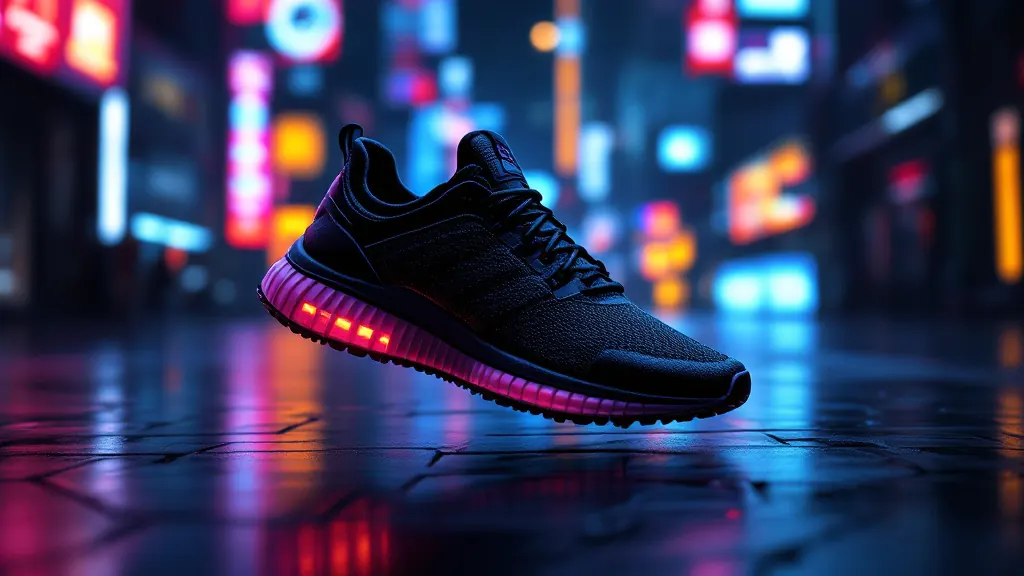
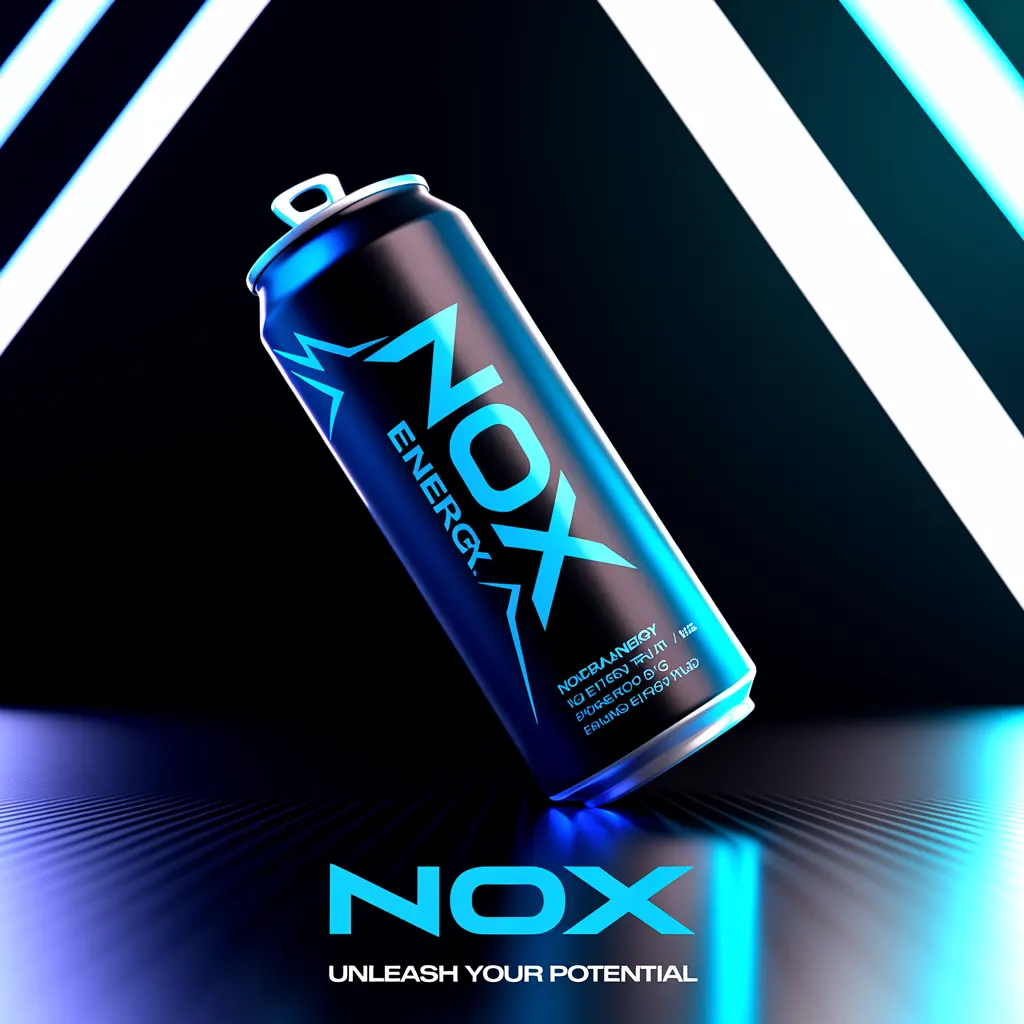
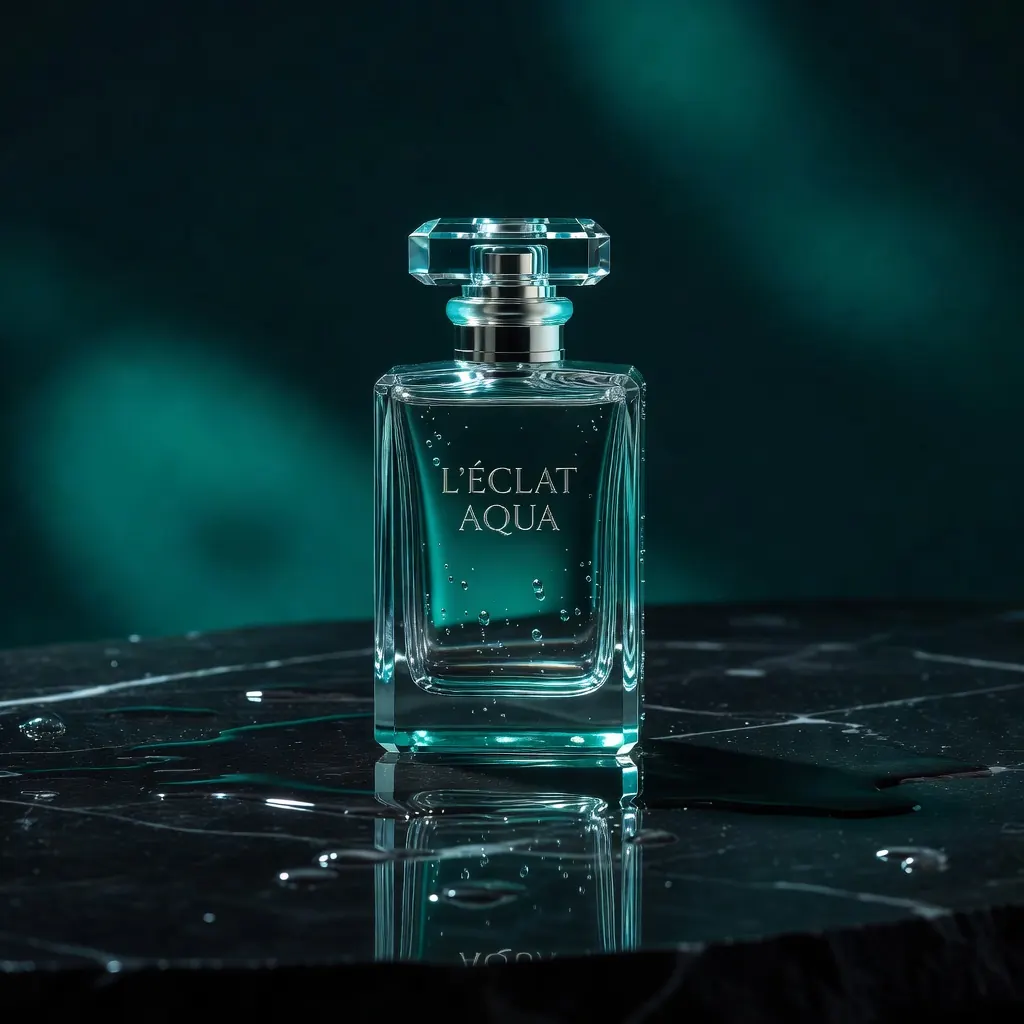
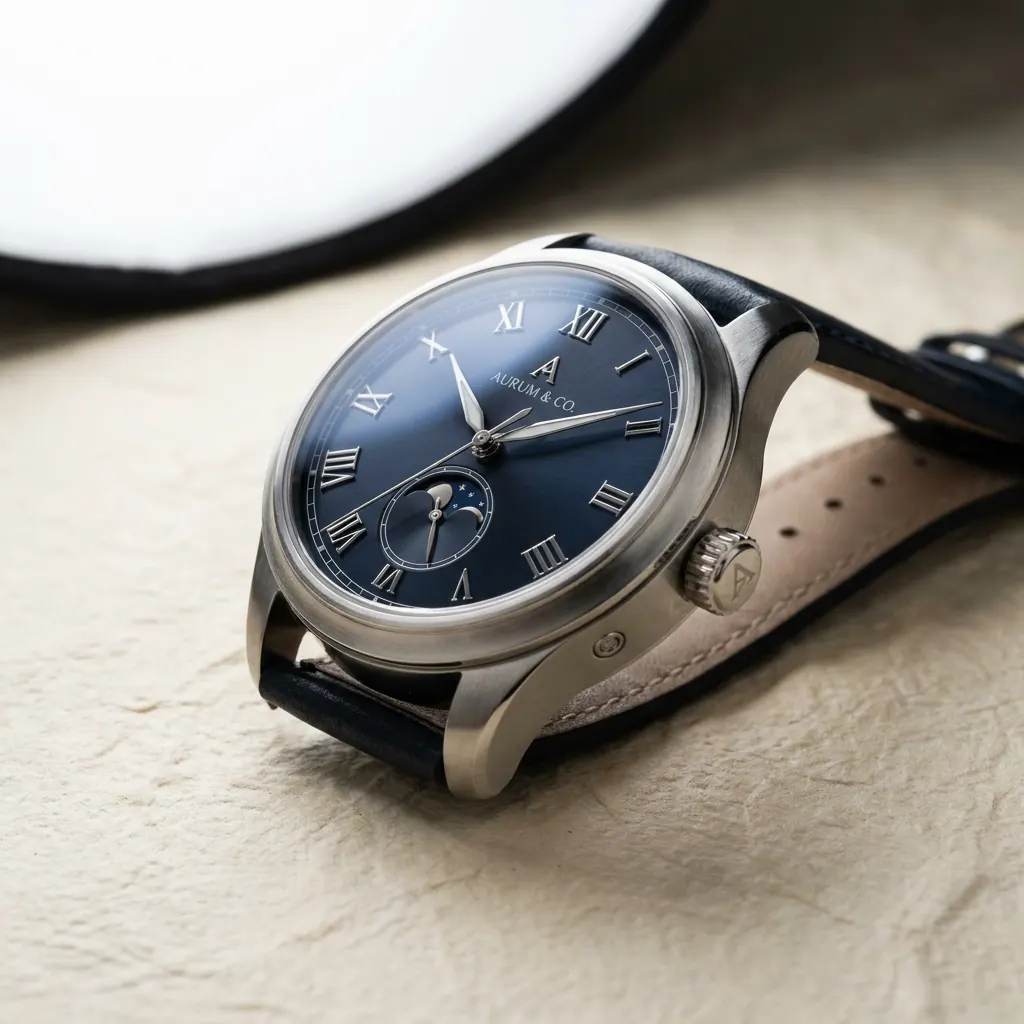


A weak image prompt creates a weak first draft, then sends your team into an expensive loop of re-generations and manual fixes. Learning how to write image prompts gives you more than prettier visuals. It gives you a faster way to create campaign-ready product shots, social creative, landing page imagery, and ad concepts with direction your brand can actually use.
The best prompts are not long for the sake of being long. They make clear decisions: what is being shown, who it is for, where it appears, how it should feel, and what the final asset needs to accomplish. Treat the prompt as a creative brief, not a search query.
How to Write Image Prompts That Produce Usable Creative
Start with the commercial outcome. Before choosing a style or camera angle, decide where the image will run and what it needs to communicate in one glance. A hero image for a skincare landing page needs a different composition than a vertical paid social ad. A marketplace listing needs cleaner product visibility than a lifestyle campaign image.
A reliable prompt has five parts: the subject, the setting, the visual direction, the composition, and the production constraints. You do not need to force each item into every prompt, but covering them prevents the model from filling critical gaps with generic choices.
For example, compare these two requests:
“Create an ad for a hydration drink.”
“Premium sparkling hydration drink in a condensation-covered aluminum can, standing on a sunlit pale stone surface beside sliced citrus, bright summer editorial product photography, clean shadows, crisp label visibility, vertical 4:5 composition, open space above the product for headline text.”
The second prompt gives the model a job it can execute. It identifies the product, gives it a setting, sets the visual mood, protects the label, and accounts for ad copy. That is the difference between an interesting image and a usable campaign asset.
1. Name the subject with commercial specificity
Begin with the asset's focal point. Be concrete about what the audience must notice first: a product, person, service moment, or brand environment. Include material, color, condition, and key design details when they matter.
Instead of “a luxury handbag,” write “a structured black leather shoulder bag with gold hardware, front-facing on a cream pedestal.” Instead of “a founder working,” write “a female SaaS founder in her 30s reviewing a product dashboard on a laptop in a bright, modern home office.”
Specificity protects the concept. It is especially valuable for ecommerce, where a wrong cap shape, package material, or product color can make an otherwise strong image unusable. If you have a reference image or brand asset available in your workflow, use it. Text alone can describe a product well, but reference-led generation is often the better choice when visual accuracy is nonnegotiable.
2. Build a setting that supports the message
The background should advance the sale, not compete with it. Ask what environment makes the product's value feel immediate. A premium coffee product might belong in a quiet morning kitchen with directional window light. A rugged trail shoe needs terrain, motion, and weather. A financial app may need a composed workspace, not a vague futuristic city.
Choose setting details that signal audience and use case. “Minimal studio” is useful when you need clean catalog imagery. “Warm, lived-in kitchen at breakfast” suggests routine and comfort. “Backstage dressing room before a concert” communicates energy, preparation, and culture.
Avoid stuffing the scene with unrelated props. Every extra object creates another chance for visual errors and diluted hierarchy. If the product is the point, keep the setting focused enough that it remains the point.
3. Direct the image like a photographer or art director
Words such as “beautiful,” “high quality,” and “professional” leave too much open to interpretation. Replace them with choices that a photographer, designer, or art director could act on: lighting, lens perspective, camera distance, color palette, texture, and mood.
For lighting, say “soft window light with gentle shadows,” “hard direct flash,” or “moody side lighting with deep contrast.” For framing, say “tight close-up,” “three-quarter product view,” “eye-level portrait,” or “wide environmental shot.” For visual character, use terms such as “editorial beauty photography,” “clean direct-to-consumer product photography,” “high-energy street-style campaign,” or “hand-painted retro illustration.”
Style labels can help, but they should not replace direction. “Luxury” means different things across fashion, hospitality, jewelry, and technology. Define what luxury looks like for your campaign: restrained palette, tactile materials, controlled lighting, refined spacing, and close detail shots.
4. Specify composition for the placement, not just the image
An image can be visually strong and still fail as an ad because the focal point sits behind a platform interface, the product is cropped awkwardly, or there is nowhere to place copy. Build the intended format into the prompt from the beginning.
For a paid social placement, specify vertical composition and request clear negative space for a headline or CTA. For a website banner, ask for a wide frame with the subject positioned left or right. For a carousel, create a consistent visual system across several prompts, keeping the product scale, palette, and lighting direction aligned.
Do not assume that a single image will adapt cleanly to every channel. It depends on the campaign. A broad lifestyle image may crop well for multiple placements, while a product launch often benefits from distinct versions for vertical, square, and horizontal formats. Generating with placement in mind costs less time than trying to rescue a composition after the fact.
5. Add constraints when details cannot drift
Constraints are where prompts become production instructions. They tell the model what must remain visible, what should be avoided, and what makes the image acceptable for your brand.
Use them selectively. Useful constraints include “product centered and fully visible,” “no people,” “no visible logos other than the product label,” “leave clean space in the upper third,” “natural hands with five fingers,” or “avoid cluttered background.” If text needs to appear inside the image, keep it short and simple. Even strong text-rendering models perform better with concise copy, and many teams get cleaner results by generating deliberate copy space and adding final campaign text in a design step.
This is also where brand guardrails belong. State preferred colors, prohibited visual cues, wardrobe requirements, or audience representation when relevant. Be direct, not apologetic. The model does not need a rationale. It needs a clear instruction.
Write Prompts in Layers, Then Iterate With Purpose
One dense prompt can work, but a layered process is easier to manage when you need multiple assets. Start with the core concept, generate a small set of directions, then refine only the strongest result. Change one or two variables at a time so you can see what improved the image.
If the product feels too small, adjust scale and camera distance. If the image feels generic, strengthen the setting, material details, or lighting. If it is not converting into an ad layout, change the composition before changing the entire creative idea. Randomly rewriting everything makes it harder to learn what actually worked.
A practical workflow often looks like this:
- Generate several concept directions from one defined campaign objective.
- Select the direction with the best product clarity and brand fit.
- Create placement-specific variations with controlled changes to framing and copy space.
- Turn the winning visual into motion, voiceover, music, and finished ad creative when the campaign needs more than a static image.
This is where an integrated creative workflow changes the economics of iteration. In Nox AI, a single visual concept can move from image generation into video, audio, and ad production without rebuilding the idea across disconnected tools. The prompt remains the creative source of truth while each output adapts to the channel.
Common Prompt Mistakes That Slow Down Production
The most common mistake is asking for too many competing ideas in one frame. “Minimal, maximalist, vintage, futuristic, cozy, and high-energy” is not a useful direction. Pick the primary creative tension and let the image commit to it.
Another mistake is treating negative prompts as a substitute for a clear positive brief. Saying “no bad lighting, no weird hands, no ugly background” may help at the margins, but it does not tell the model what successful lighting, hands, or background should look like. Describe the desired outcome first, then add only the restrictions that protect it.
Finally, do not confuse photorealism with effectiveness. A highly realistic image may be the right choice for product proof or aspirational lifestyle ads. For an app launch, a graphic, stylized, or surreal direction may stop the scroll better. The right visual approach depends on the offer, audience awareness, brand category, and placement.
A Prompt Template for Faster Campaign Starts
Use this structure when your team needs a dependable starting point:
“[Subject and essential details] in [setting], communicating [core benefit or mood]. [Lighting and visual style]. [Camera angle and composition]. [Format and copy-space direction]. [Brand or quality constraints].”
For example: “Matte white wireless earbuds in an open charging case on a cobalt blue desk, communicating focused productivity. Clean editorial technology photography with soft directional light and subtle reflections. Close three-quarter view, product sharply in focus. Vertical 4:5 layout with open space in the top third for headline text. Minimal background, no visible logos, premium but approachable color treatment.”
A good image prompt does not need to sound poetic. It needs to make the next creative decision obvious. Give the model a clear product, a purposeful scene, and a placement-aware composition, then refine from the strongest output. That is how a rough idea becomes a repeatable system for producing creative that is ready to run.