


A product image can stop a scroll. A product image with the right three seconds of motion can explain why someone should care. When you animate product imagery, the goal is not to make a still look busy. It is to create a clear visual reason to click, keep watching, or add to cart.
For ecommerce teams, founders, and performance marketers, this changes the production equation. One approved product visual can become a short paid-social ad, a product-page loop, a launch teaser, and a variation built for a different audience. The work moves faster when motion is planned around the offer rather than added as a last-minute effect.
Start With the Job the Motion Needs to Do
Every moving product visual should answer one commercial question. Are you showing the product's texture? Demonstrating how it works? Creating a premium feeling? Calling attention to a limited-time offer? The answer determines the motion, framing, length, and final placement.
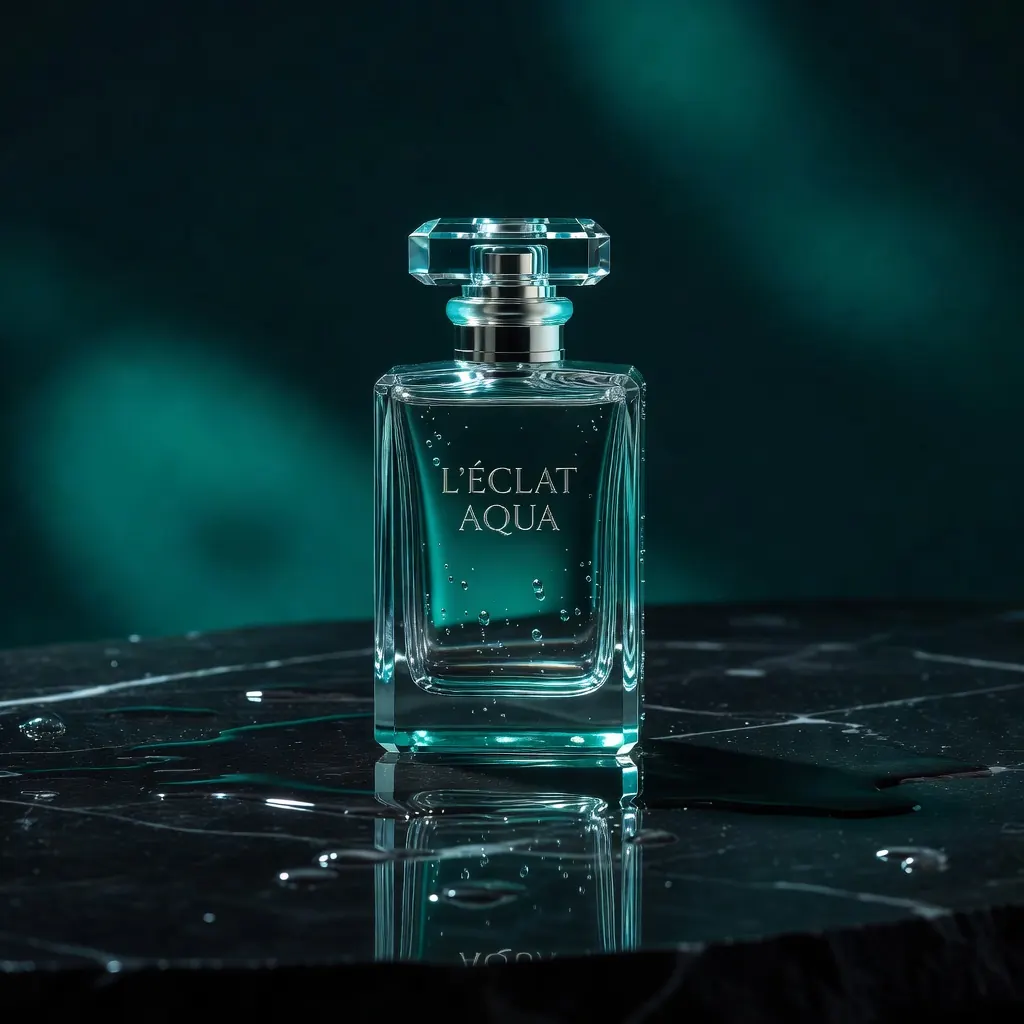
A skincare brand may use a slow camera push and a liquid texture reveal to make a serum feel sensorial and high-end. A kitchen-gadget brand may need a fast demonstration that shows the tool solving a familiar problem. A fashion retailer may want fabric movement and a clean turn to communicate fit and silhouette. These are different creative jobs, even if all three begin with a packshot.
This is where many assets lose impact. A generic zoom, floating particles, or random camera movement can make an image look animated without making the product more understandable. Motion should earn its place by revealing an attribute, creating a feeling, or directing attention to the next action.
Choose a Motion Format That Matches the Channel
Not every product needs a cinematic video. Often, the strongest asset is a focused loop that communicates one idea before a viewer has time to skip it. The right format depends on where it will run and what the customer needs to know.
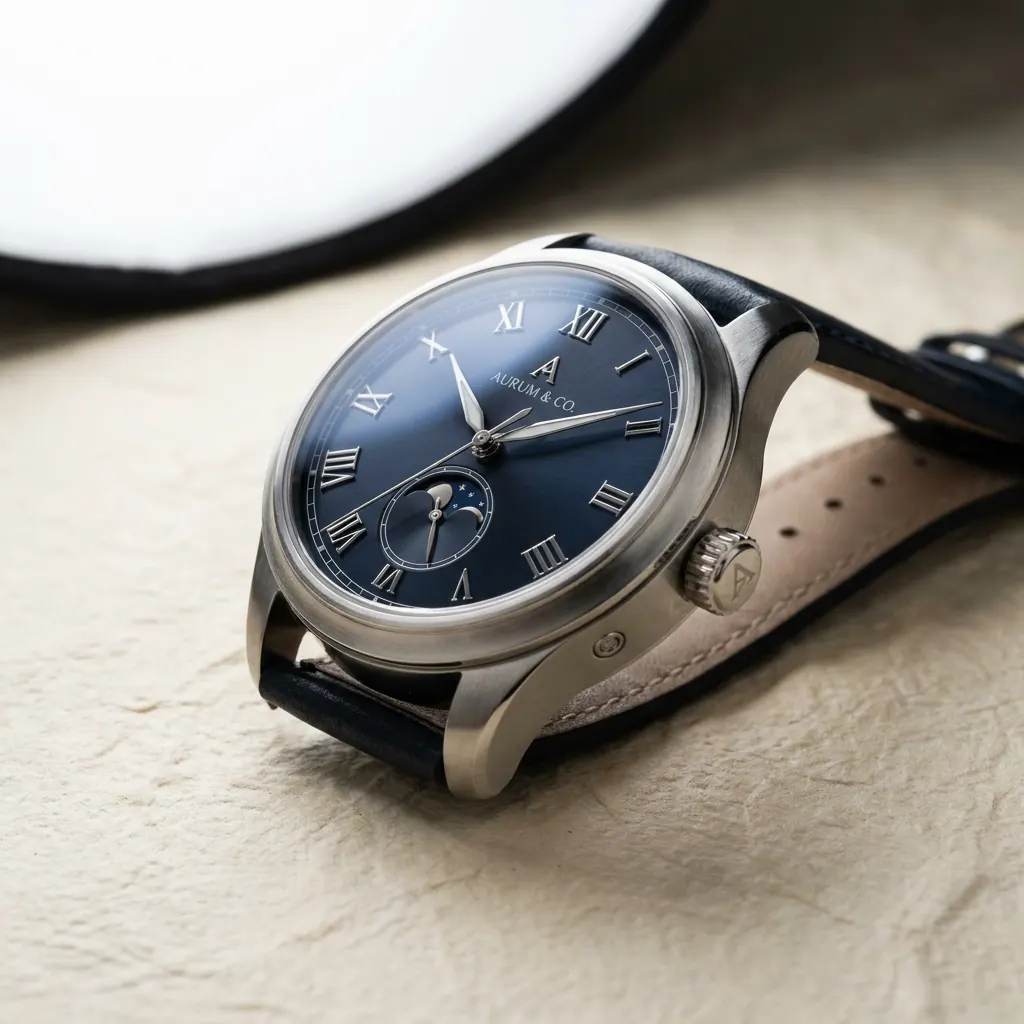
For a product detail page, subtle loops usually work best. A rotating bottle, shifting light across a watch face, or a close view of a material can add depth without competing with product information or purchase controls. Keep the movement calm and easy to repeat.
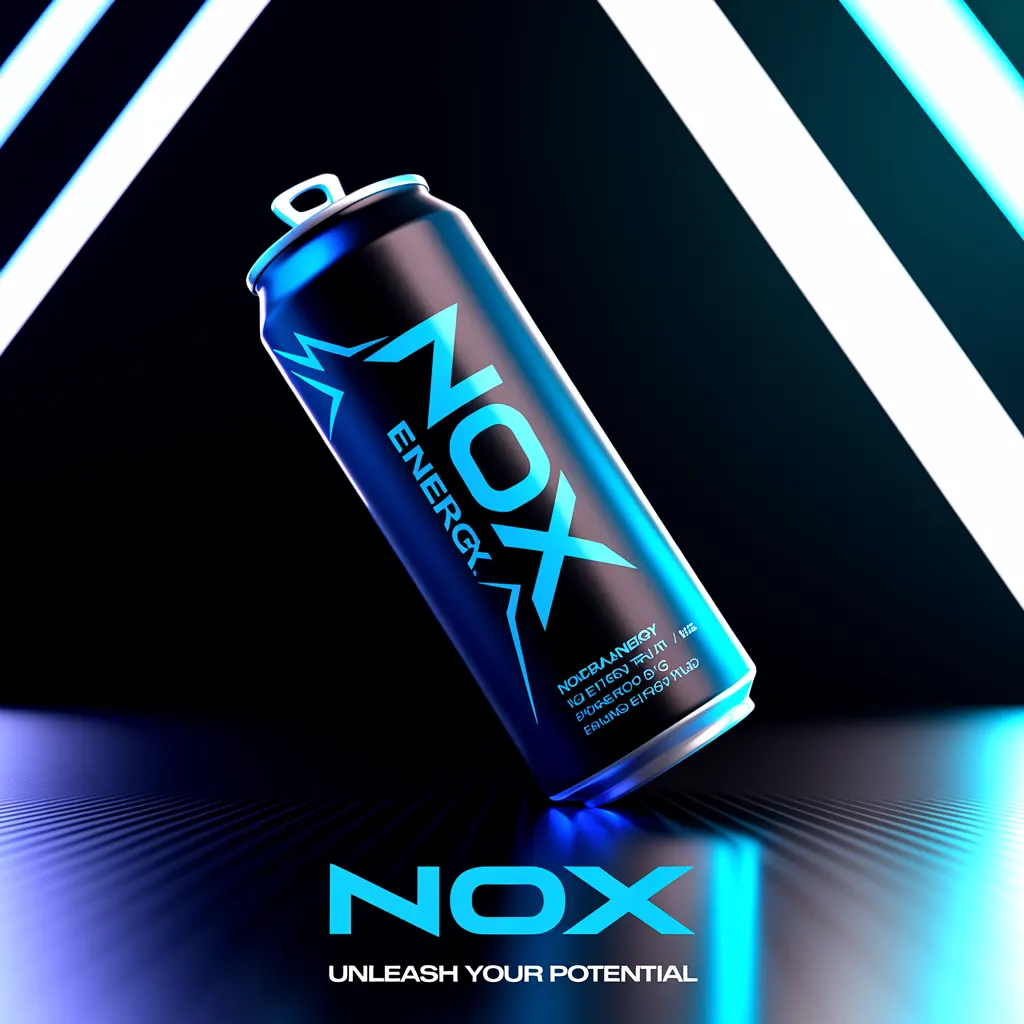
For paid social, lead with the most recognizable product cue in the first second. A sneaker landing on pavement, a can opening, or a tool clicking into place gives the viewer an immediate visual event. Build the creative for vertical viewing first when the campaign is designed for Reels, Stories, TikTok, or Shorts.
For launch campaigns, you have more room to establish mood. This is where a product can emerge from a bold environment, move through a stylized scene, or transition from an idea to a finished object. The product still needs to be visible early. Brand atmosphere cannot replace product clarity.
Build the Still Image for Motion Before You Generate
Strong motion starts with a strong source image. If the product shape, label, edges, or lighting are unclear in the still, animation will magnify those weaknesses. Use a product image with a defined focal point, clean separation from the background, and enough visual space for motion to develop.
Pay close attention to brand-critical details. Packaging text, logos, buttons, closures, and product proportions should be accurate before you add movement. Generative motion can introduce variation, especially during complex rotations or object interactions. For regulated categories, products with precise claims, or packaging with small legal copy, use motion that minimizes deformation and keep final review with the brand team.
The best source image also gives the camera somewhere to go. A product centered in a flat composition may be right for a catalog page but leave little room for a dramatic pan or push. A wider composition can support movement through the frame, while a close crop can make texture, finish, or mechanism the main event.
Write Prompts Like Creative Direction
A useful prompt does more than name the product and ask for movement. It defines the product, action, camera, environment, lighting, pace, and intended feeling. That gives the generation model a production brief instead of a vague request.
For example, a weak instruction might ask for a coffee maker in motion. A more useful direction would describe a matte-black espresso machine on a warm stone counter, steam rising gently, a slow camera push toward the crema, early-morning window light, premium editorial product commercial, vertical format, no visible hands.
The difference is control. You are specifying what should move, what should remain stable, and how the finished asset should feel. If the scene includes multiple actions, simplify. A single hero motion often performs better than a prompt that asks for pouring coffee, changing light, moving camera, animated text, and a person entering the frame at once.
Define the non-negotiables
Before generating, document the details that cannot change: product color, packaging version, logo placement, hero angle, claim language, and campaign aspect ratio. These constraints help your team judge outputs quickly and prevent attractive but unusable variations from moving into production.
For a performance ad, also define the message hierarchy. The product should lead. The benefit comes next. The offer or call to action follows. If motion, text, and sound all compete for attention in the opening frame, the viewer has no clear path through the creative.
Make the First Seconds Do More Work
Short-form ad inventory rewards immediate comprehension. Show the product before the viewer wonders what they are seeing. Then create a visual change that keeps attention: a reveal, transformation, rotation, pour, swipe, pop, or comparison.
A practical structure is product, proof, payoff. Start with the object or result. Show the feature, use case, or sensory detail that supports the claim. Finish with a clear brand moment, offer, or reason to act. This structure works across categories because it respects how quickly viewers make decisions.
Sound can strengthen the sequence, but it should not carry the message alone. A clean click, pour, zipper sound, or short music hit can make movement feel more tactile. Captions and on-screen text should still communicate the core benefit for viewers watching silently.
Test Variations Without Rebuilding the Whole Shoot
The commercial advantage of AI-assisted animation is not simply faster output. It is the ability to test meaningful creative differences without booking another studio, reshooting a set, or coordinating multiple production vendors.
Keep the product and core concept consistent while changing one variable at a time. Test a close-up against a wider lifestyle scene. Compare a slow premium reveal with a quick utility demonstration. Try different opening frames, backgrounds, benefit lines, or calls to action. That approach produces learning you can use, rather than a pile of unrelated assets.
Useful variations often include:
- A product-first opening versus a problem-first opening
- A clean studio environment versus a contextual lifestyle setting
- A visual demonstration versus a texture or detail-focused reveal
- A direct offer message versus a benefit-led message
The winning version will depend on the audience and placement. A polished, mood-driven asset may earn attention for a premium brand campaign, while a direct demonstration may convert better in retargeting. Treat creative performance as feedback on message-market fit, not as a verdict on whether animation itself works.
Turn One Concept Into a Complete Asset Set
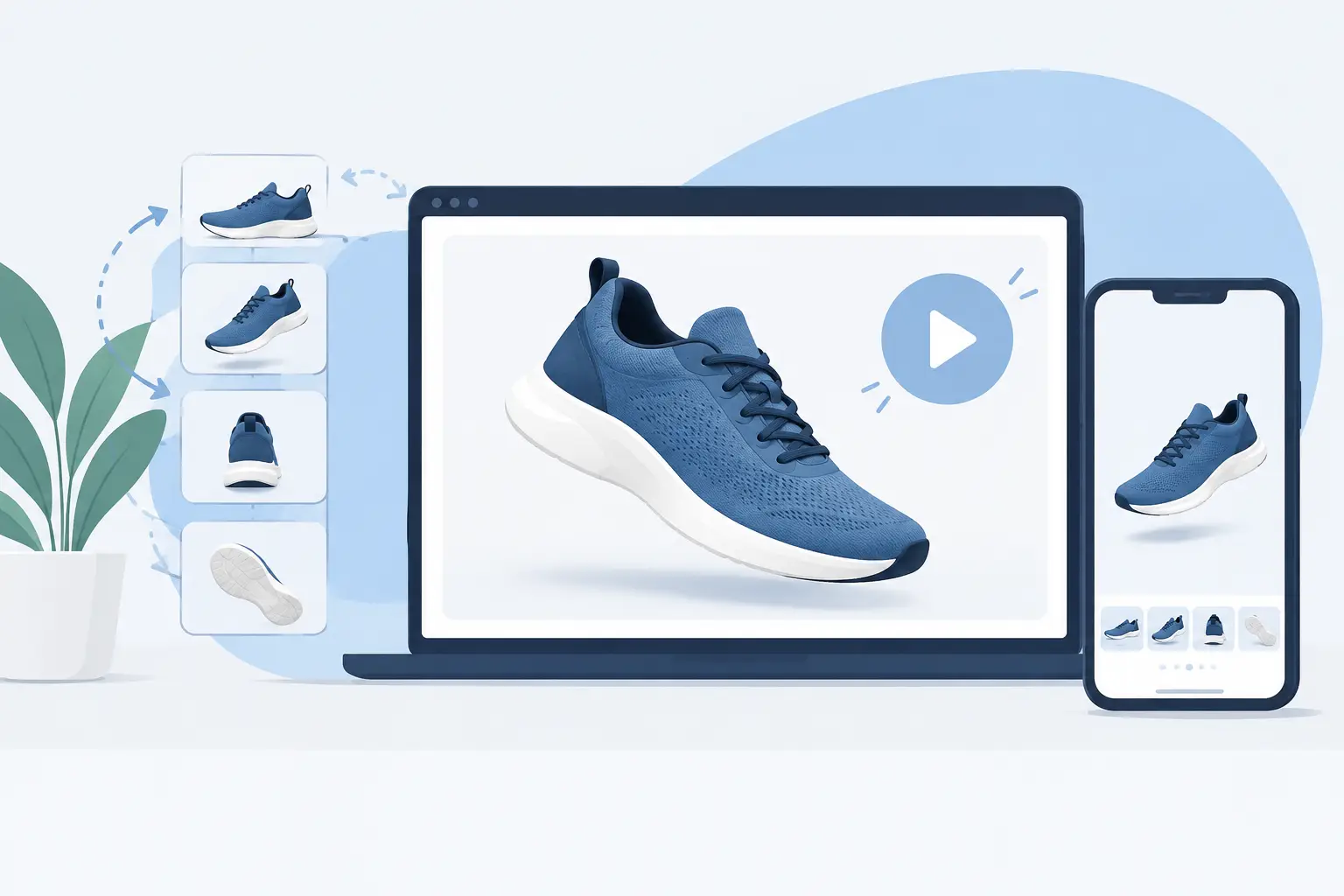
Once a motion direction is approved, extend it into the formats your campaign actually needs. Create vertical cuts for paid social, square or landscape versions where relevant, short loops for product pages, still frames for display, and supporting voiceover or music when the concept calls for it.
This is where an integrated production workspace becomes valuable. With Nox AI, teams can move from a product concept to generated imagery, motion, voice, music, and ad-ready creative in one workflow instead of rebuilding the same idea across disconnected tools. The point is not to generate more content for its own sake. It is to keep the campaign visually consistent while producing enough variations to support testing and distribution.
Build a simple approval system around the assets. Confirm product accuracy first, then brand fit, then channel requirements, and finally performance messaging. This order prevents a team from debating creative polish on a version that has the wrong packaging or an unusable format.
Keep Motion in Service of the Product
The temptation with generative video is to make every asset bigger, faster, and more cinematic. That can work for a hero launch film, but it is rarely the right default for commerce creative. If the product becomes hard to recognize, the animation has become the subject instead of the product.
Use movement to make the value easier to see. A precise three-second loop can outperform a more elaborate sequence when it makes a texture feel real, a mechanism feel simple, or a result feel immediate. Start with the customer question your visual needs to answer, then give that answer motion.