

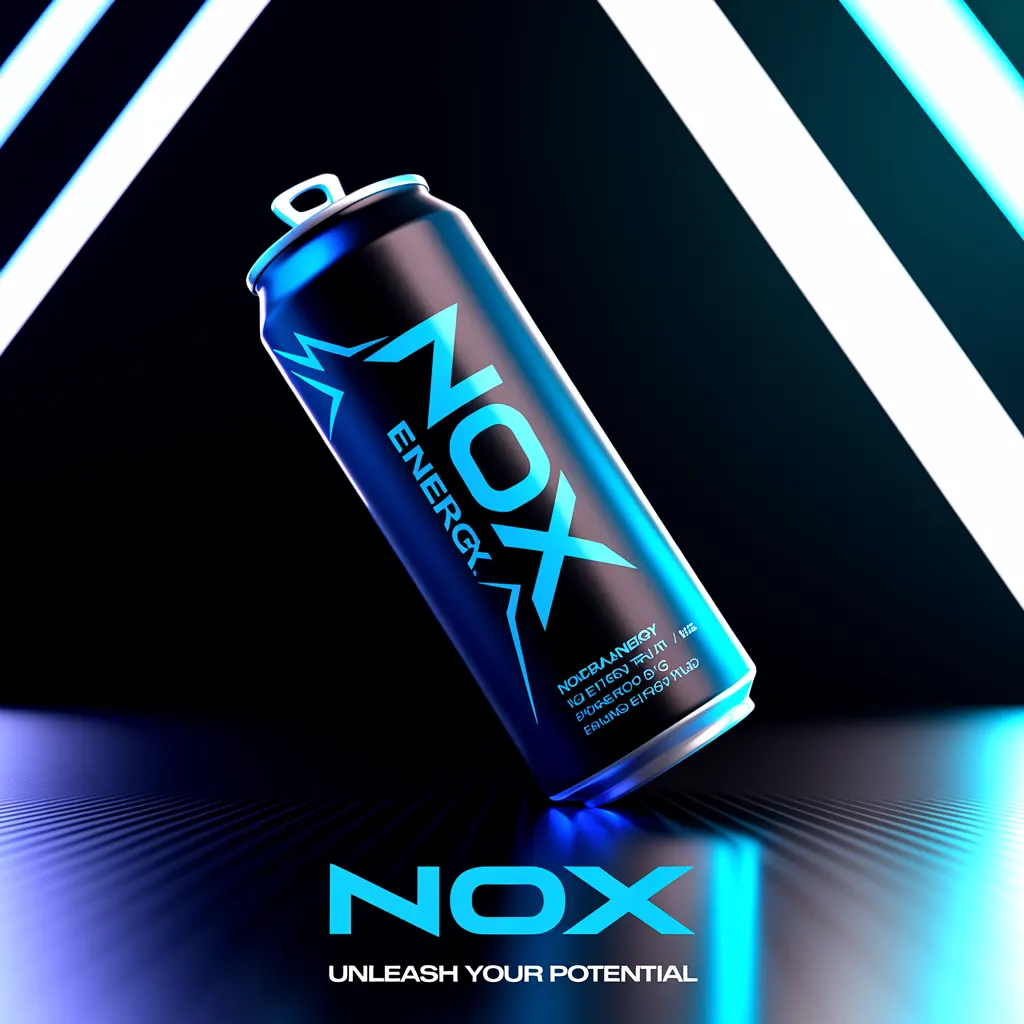





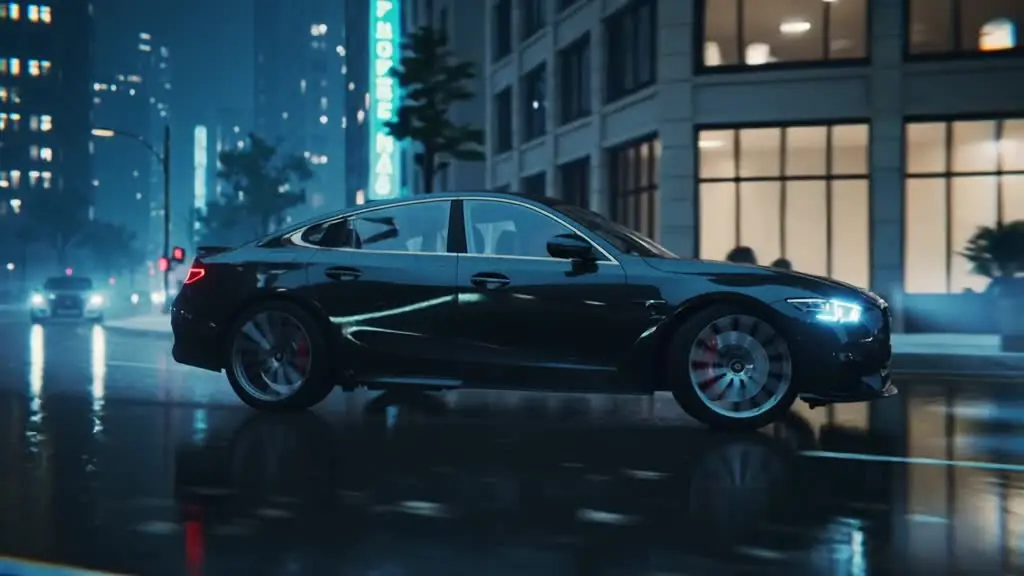

A product launch does not need one good visual. It needs a product image for the landing page, vertical video for paid social, alternate hooks for testing, voiceover, music, copy treatments, and refreshed versions before the campaign loses momentum. That is why a generative advertising tools comparison should start with the output your team needs to ship, not the novelty of a single impressive AI result.
For marketers, founders, ecommerce teams, and agencies, the real decision is whether a tool reduces production work across an entire campaign or simply creates one piece of it. The best choice depends on your creative mix, approval process, volume, and the level of brand control your work requires.
What to Compare in Generative Advertising Tools
Generative advertising tools fall into two broad groups. The first is specialized generation software built to solve one production task well: image creation, video generation, voice synthesis, music, or design. The second is an integrated creative studio that brings several asset types into one workflow.
Specialized tools can be a smart choice when your team has a narrow, repeatable need. A performance marketer who only needs product lifestyle images may value deep image controls above all else. A studio producing narration-heavy explainers may prioritize voice quality, pacing, and pronunciation tools. These platforms often provide advanced controls in their category because that category is their entire product.
The trade-off appears when a campaign needs more than one medium. Your team may generate an image in one app, animate it in another, record a voiceover elsewhere, find music in a fourth place, then assemble the final ad in an editor. Each step adds exports, different billing plans, prompt formats, asset handoffs, and potential inconsistency.
An integrated platform is designed for the opposite problem: converting one campaign idea into a coordinated set of commercial assets. It may not replace a high-end post-production pipeline for a national television spot. It can, however, change the economics of producing weekly social ads, product launches, seasonal promotions, and rapid creative tests.
1. Image Quality Is Only the Starting Point
Image generation remains the entry point for many advertising workflows. It is useful for creating product scenes, lifestyle concepts, backgrounds, packaging explorations, social graphics, and ad variations without booking a shoot.
Compare more than visual realism. Ask whether the platform can produce readable on-image text, preserve product details, create multiple aspect ratios, and keep a recognizable campaign look across variations. For ecommerce brands, the ability to turn a simple product concept into a usable set of square, vertical, and landscape assets matters more than one cinematic image that cannot be adapted.
Model access matters here. Different image models tend to excel at different jobs, including photorealistic scenes, stylized art direction, or typography. A platform that offers strong model options can give teams more room to match the creative task instead of forcing every brief through the same visual engine.
2. Video Determines Whether You Can Keep Up With Paid Social
Short-form video is often where conventional production slows down. A campaign may need multiple opening scenes, motion treatments, product reveals, creator-style clips, and localized versions before media buying can identify the strongest performer.
When evaluating video capabilities, look at motion quality, prompt adherence, clip length, camera control, and how easily still images can become video assets. Also consider the practical question: can your team make enough versions to test? A beautiful video generator with a slow or fragmented workflow may be less useful than a tool that helps you produce several credible concepts in one working session.
Video generation still has limits. Complex human interactions, precise product mechanics, detailed brand marks, and long narrative continuity can require careful review or conventional production. Use AI video where speed and variation create an advantage, then reserve higher-touch production for hero work that demands exact control.
3. Audio Cannot Be an Afterthought
Many AI creative stacks stop at visuals, leaving teams to solve voiceover and music separately. That gap creates a familiar problem: a strong visual concept loses energy because the audio is generic, mismatched, or delayed.
A commercial-ready workflow should make room for voiceovers that fit the message and music that supports the pacing. Review voice naturalness, emotional range, script editing, pronunciation handling, and whether audio can be produced alongside the visual concept. The goal is not simply to generate sound. It is to create an ad that feels finished enough for review, testing, or launch.
This is especially valuable for ecommerce operators and lean marketing teams. Rather than waiting on separate creative roles for every variation, they can develop a direct-response ad with product visuals, a clear spoken hook, and supporting music from a single brief.
4. The Final Ad Workflow Is the Real Differentiator
The most useful generative advertising tools do not end when they return a file. They help move work toward a campaign-ready deliverable.
During a comparison, follow a realistic task from beginning to end. Start with a prompt such as: create a 15-second vertical launch ad for a hydration product aimed at runners. Then measure what happens next. Can the tool create the visual direction, generate moving footage, add a voiceover, produce music, and organize the result into a usable ad concept? Or does it hand you isolated assets that still require several other platforms and a manual assembly process?
This distinction changes both speed and cost. A disconnected stack may appear flexible, but it shifts integration work onto your team. An all-in-one environment reduces context switching and makes it easier to keep the campaign's visual and audio direction aligned from the first prompt through the final export.
Nox AI is built around this complete production path, bringing image, video, voiceover, music, and finished advertising creation into one studio. Its access to models from FLUX, Kling, Veo, Ideogram, and ElevenLabs gives teams specialized generation strengths without requiring them to manage separate model interfaces for every campaign asset.
Generative Advertising Tools Comparison: Choose by Use Case
There is no universal winner because creative operations are not identical. The right platform is the one that removes the largest bottleneck in your existing process.
If your primary need is polished static creative, prioritize image fidelity, product consistency, text rendering, and format variation. If video ads drive your acquisition strategy, prioritize speed of iteration, image-to-video capability, motion quality, and vertical output. If you produce explainer ads, local promotions, or creator-style content, voice and music capabilities should carry more weight.
For agencies, the key question is often workflow capacity. Can the platform help a small team develop more client-ready routes before presentation? Can it create fast first cuts that make feedback more concrete? The value is not replacing every designer, editor, or producer. It is giving those people more starting points and reducing the time spent on low-leverage production coordination.
For founders and small marketing teams, consolidation may matter most. A stack of individually capable tools can become expensive and difficult to manage when every tool has its own credits, libraries, permissions, exports, and learning curve. One workspace can be the better commercial decision if it gets campaigns out faster with fewer operational steps.
Run a Practical Test Before You Commit
Marketing teams should avoid comparing tools through one-off prompts. A single attractive output says little about repeatability. Test each option against a brief you would actually run this month.
Use the same product information, audience, offer, and visual direction. Request three creative angles, such as product demonstration, lifestyle aspiration, and direct-response urgency. Then ask a simple set of questions: How many usable assets did the tool produce? How much manual work remained? Could your team make variants without starting from scratch? Did the final pieces look and sound like they belonged to the same campaign?
Include review time in the calculation. AI output still needs human judgment for brand fit, claims, product accuracy, rights considerations, and platform policy. The strongest workflow is not the one that removes people from creative decisions. It is the one that lets people spend their time on decisions rather than repetitive production tasks.
Also assess cost in terms of throughput, not subscription price alone. A lower-cost single-purpose tool can become expensive if it requires several companions and hours of assembly. A consolidated platform can justify its cost when it shortens the path from idea to a full set of testable creative.
The best generative advertising setup makes creative volume easier to sustain without making every campaign feel mass-produced. Choose the tool that helps your team turn a clear brief into finished work quickly, then use the saved time to improve the ideas worth scaling.