
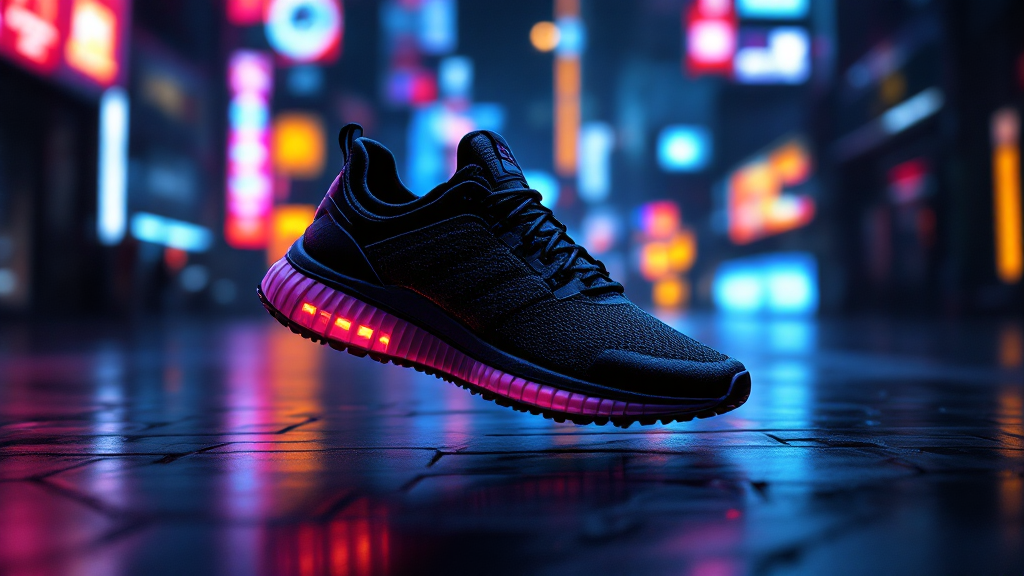
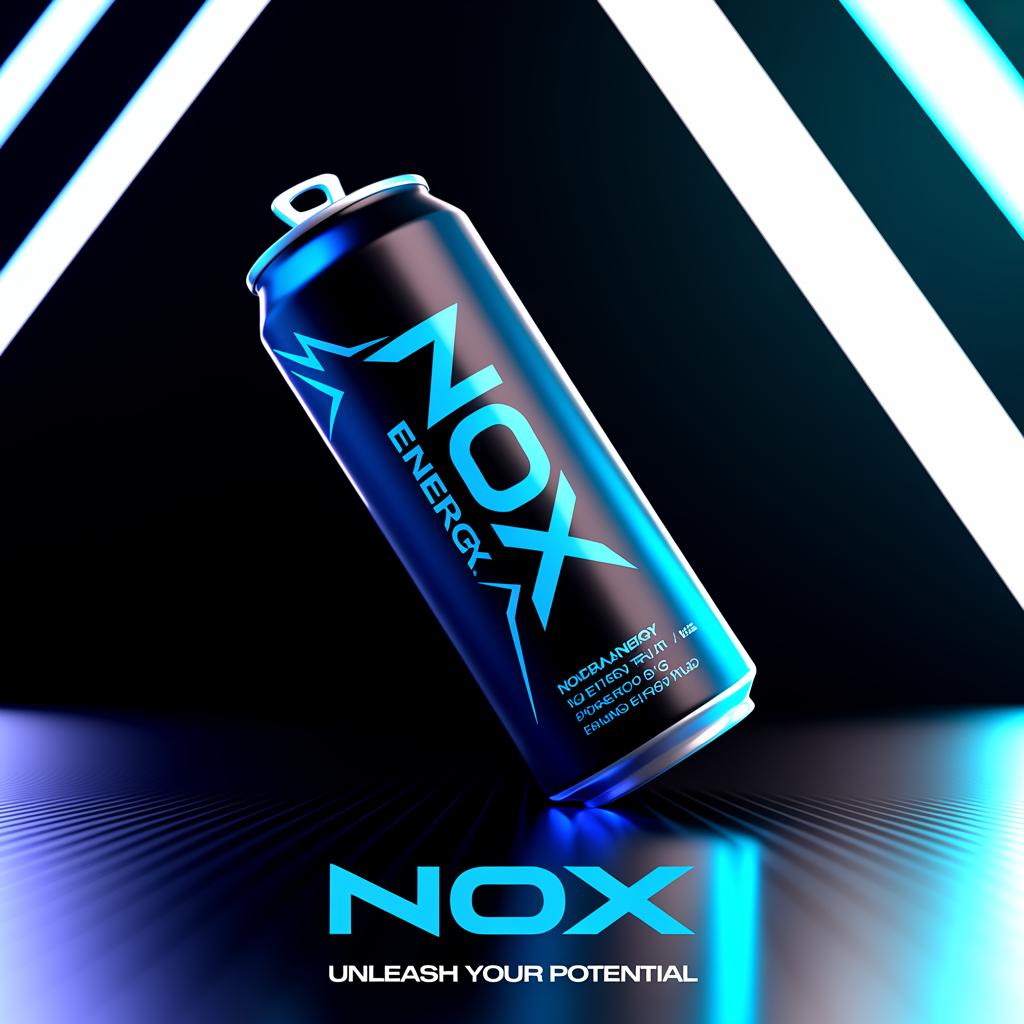
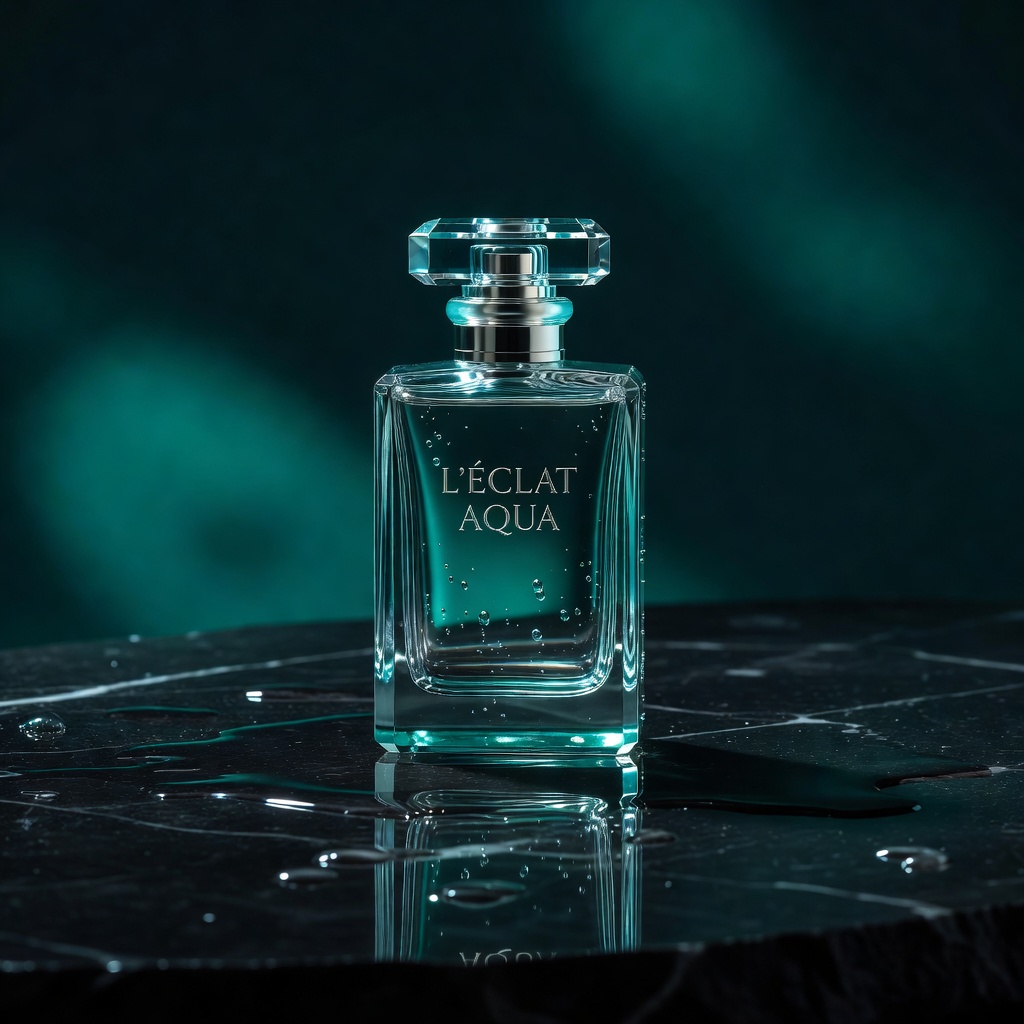
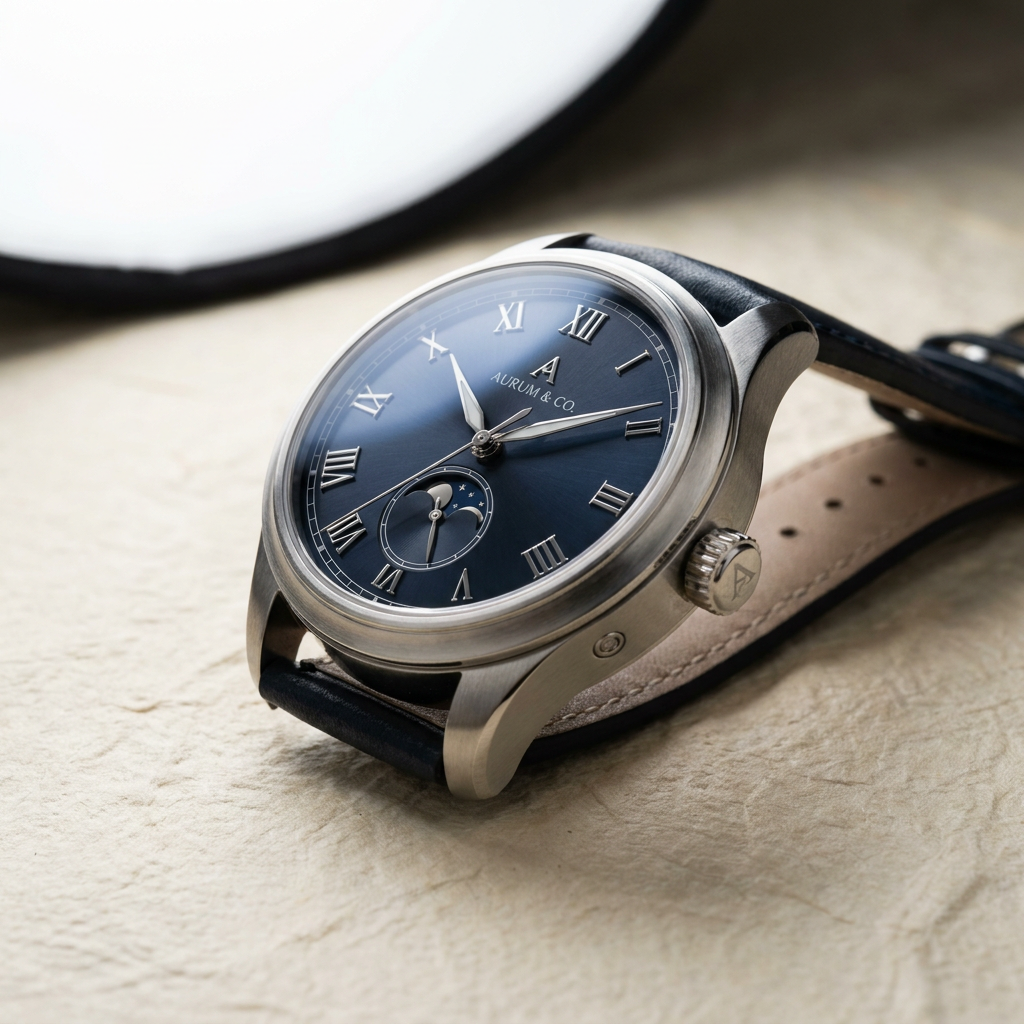

A product image can stop a scroll. A headline inside that image can make the offer understandable in half a second. That is why a FLUX Ideogram comparison matters for marketing teams: these models can both produce polished AI visuals, but they tend to earn their place in different parts of a campaign workflow.
The practical choice is not about declaring one model universally better. It is about selecting the model that gets a specific asset closer to approval with fewer rerolls, less cleanup, and less time spent moving between tools. For ecommerce launches, paid social, landing-page creative, and brand content, that difference adds up quickly.
The decision is about the asset, not the model name
FLUX and Ideogram are both capable image-generation options, but they have distinct strengths. FLUX is often a strong fit when the image itself carries the message: product atmosphere, editorial composition, photorealistic scenes, material detail, and art direction. Ideogram is especially useful when written language must be part of the visual, such as a sale message, a product feature callout, a campaign headline, or a branded graphic.
That distinction is useful, but it is not absolute. Prompt quality, selected model version, aspect ratio, reference images, and the final placement all affect the result. A strong production process treats each model as a specialist while leaving room to test the alternate option when a concept is unusually important.
Choose based on the approval bottleneck
Start with one question: what is most likely to delay approval? If the team is debating lighting, product realism, composition, or mood, begin with FLUX. If reviewers keep rejecting concepts because the copy is misspelled, crowded, or visually weak, begin with Ideogram.
This framing keeps the work commercial. The goal is not to generate the most interesting image in isolation. The goal is to create an asset that can move into an ad set, product page, email, or social post with minimal revision.
Where FLUX performs best
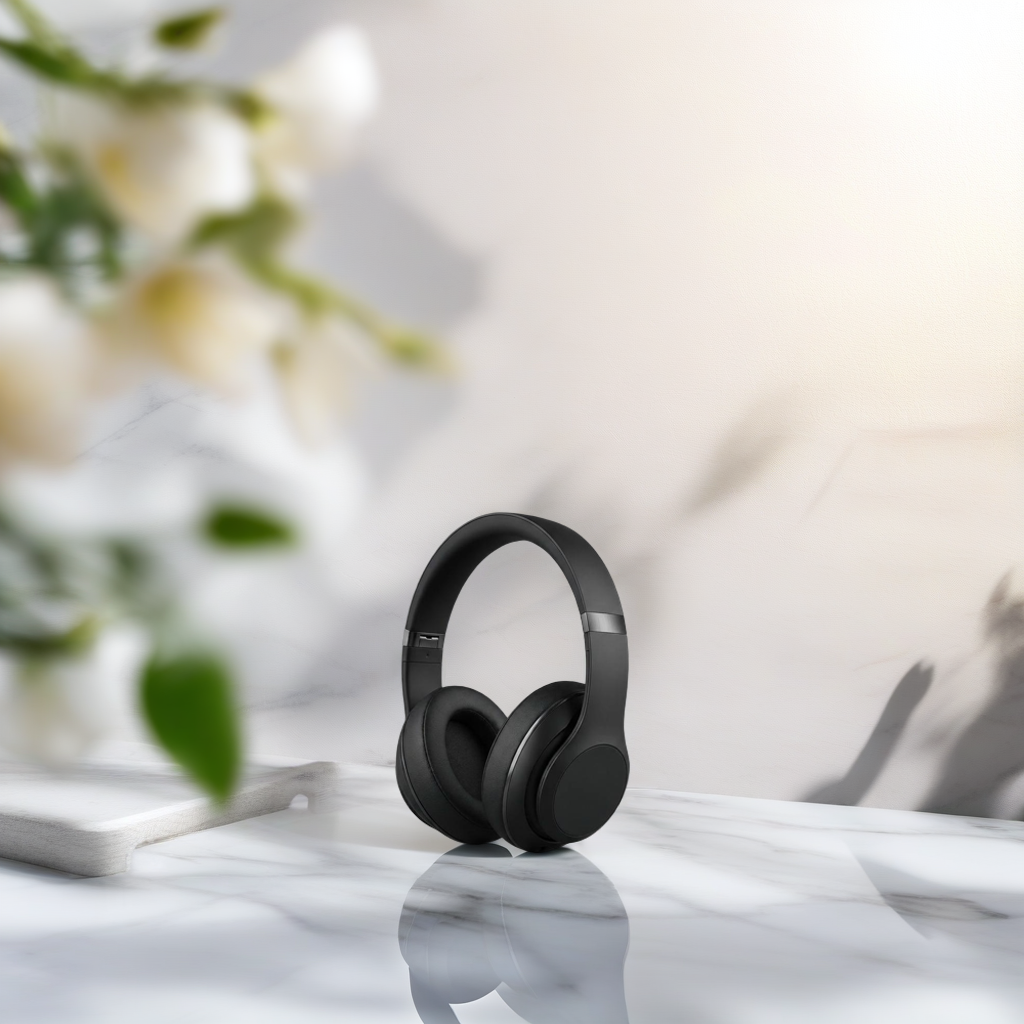
FLUX is a compelling choice for image-led creative where visual quality and control carry the concept. It can help teams create scenes that would otherwise require a photographer, stylist, location, props, and post-production time. For a skincare brand, that might mean a clean product hero on wet stone with controlled highlights. For a travel company, it could be a premium destination scene that leaves clear room for later copy.
Product mood, realism, and visual direction
Use FLUX when you need a believable visual world around a product or idea. It is well suited to lifestyle imagery, cinematic campaign frames, editorial illustrations, packaging concepts, food photography styles, and polished backgrounds for paid ads.
The strongest FLUX prompts are art-directed rather than vague. Instead of requesting a "luxury watch ad," specify the watch material, setting, camera angle, lighting style, background texture, color palette, and intended layout. Include what should be absent as well. A prompt that protects product proportions and reserves negative space will generally serve marketing use better than one focused only on visual spectacle.
FLUX is also valuable when a creative team needs variations without losing the campaign’s central look. Generate multiple compositions around the same product story, then select the frame that gives designers the cleanest space for a logo, offer, or CTA.
The trade-off with embedded copy
When exact, readable text is the primary element in an image, FLUX may not be the most efficient first choice. It can create excellent concepts with typography-like details, but campaign copy requires precision. If a price, promotion, legal phrase, or product name must appear exactly right, the safer workflow is often to use Ideogram or add text in a dedicated design step.
Where Ideogram performs best
Ideogram stands out when image and message need to arrive together. Many marketing assets are not pure photography. They are visual headlines: a holiday promotion, a social announcement, a comparison graphic, a restaurant special, a creator thumbnail, or a storefront-style ad where the words are part of the design.
Text-forward ads and branded graphics
Ideogram is a strong starting point for concepts that need legible words integrated into the composition. This can reduce the gap between a written campaign idea and the first usable creative direction. It is particularly useful for testing headline treatments, poster-style layouts, simple promotional graphics, event announcements, and short-form social visuals.
For best results, keep the requested copy concise. A bold four-word offer is easier to render and evaluate than a full paragraph. Give the model hierarchy too: identify the main headline, the supporting line, the desired style, and the area where the product or image should sit.
For example, a direct prompt might request a vertical spring sale ad with the exact headline "Fresh Starts, Better Sleep," a soft blue and cream palette, a premium bedding product at the bottom, and large readable type in the upper half. The instruction gives the visual a job instead of asking the model to invent the campaign structure.
The trade-off with complex product scenes
Ideogram can produce attractive compositions, but a highly detailed product environment or a tightly controlled photorealistic scene may benefit from FLUX first. If the product needs a specific reflective finish, a particular angle, or a sophisticated lifestyle context, visual generation and typography may be better handled as separate stages.
That is not extra complexity for its own sake. It is a way to protect the detail that makes a product believable while keeping promotional text flexible enough to change when the offer changes.
FLUX vs. Ideogram by campaign task
For product hero imagery, FLUX is usually the logical first test. Build the high-quality image, preserve room for copy, then produce multiple ad crops. This works well for ecommerce brands that need a visual library for product pages, paid social, and seasonal campaigns.
For direct-response ads with a short offer inside the image, Ideogram can get to a usable concept faster. It is especially helpful during early creative testing, when a team wants to compare ten hooks or promotions without creating a separate text treatment for each one.
For organic social, the answer depends on the post. Choose FLUX for an aspirational visual, a creator-style scene, or a behind-the-brand image. Choose Ideogram for a quote card, educational graphic, launch announcement, or headline-driven carousel cover.
For agency pitch work and campaign concepting, use both. FLUX can establish the campaign’s visual language. Ideogram can show how the campaign message might live within that language. Together, they make a concept feel closer to a finished ad system rather than a mood board.
Build a faster image-to-ad workflow
The most effective teams do not ask one image model to solve every production problem. They define the asset’s purpose first, generate the visual with the best-fit model, and then turn selected concepts into campaign-ready variations.
A practical sequence starts with the brief: audience, offer, channel, required dimensions, brand cues, and the single action the creative should drive. Next, generate three to five visual directions instead of chasing one perfect prompt. Review them against commercial criteria: Is the product clear? Is the offer easy to understand? Does the image still work at mobile size? Is there space for required copy or a logo?
Once a direction is selected, produce the needed formats. A square feed image, a vertical Story asset, and a landscape display placement should not be treated as simple crops. Each needs a composition that protects the product and message in its own frame.
This is where an integrated creative studio has an advantage. In Nox AI, teams can move from an image concept into motion, voiceover, music, and finished ad production without rebuilding the idea across disconnected tools. A visual made for a product launch can become the opening frame of a short video ad, then support a complete set of campaign variations.
Prompting tactics that improve both models
Write prompts as production briefs. State the subject, audience, visual style, scene, lighting, composition, color direction, aspect ratio, and intended placement. If the asset needs copy, provide the exact wording and make it short. If it does not need copy, explicitly request clean negative space where a designer can add it later.
Avoid packing unrelated concepts into one request. A fitness ad with a neon gym, beach sunrise, hand-drawn type, three products, a celebrity-style portrait, and a 12-word headline is not a focused brief. Split those ideas into separate creative routes. You will get clearer results and learn faster from performance data.
Also plan for human review. Check product labels, hands, faces, claim language, pricing, logo use, and brand consistency before publishing. AI generation accelerates production, but approval standards still protect the campaign.
The best choice is the one that shortens the path from idea to usable creative. Use FLUX when the visual must persuade on its own. Use Ideogram when the words inside the image are central to the sale. Then keep the winning concept moving until it becomes the full campaign asset your audience actually sees.