

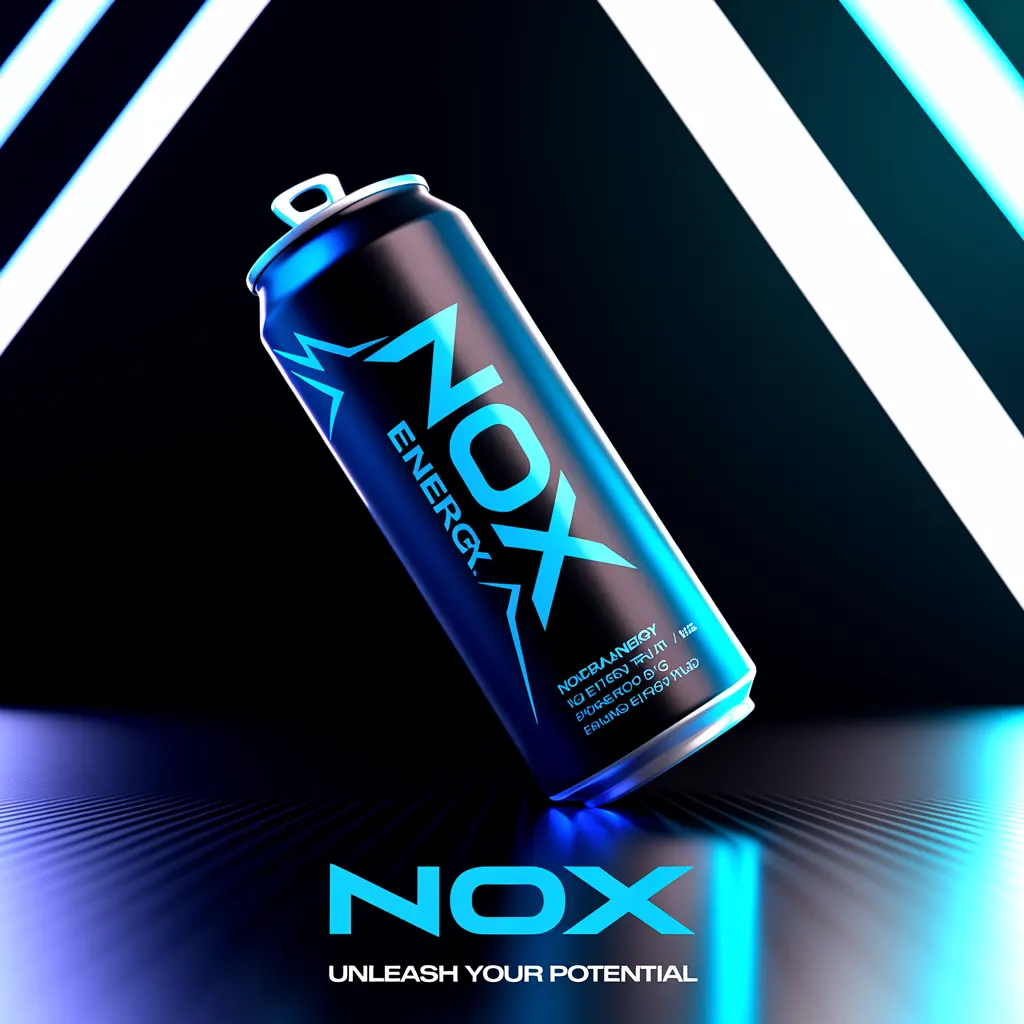
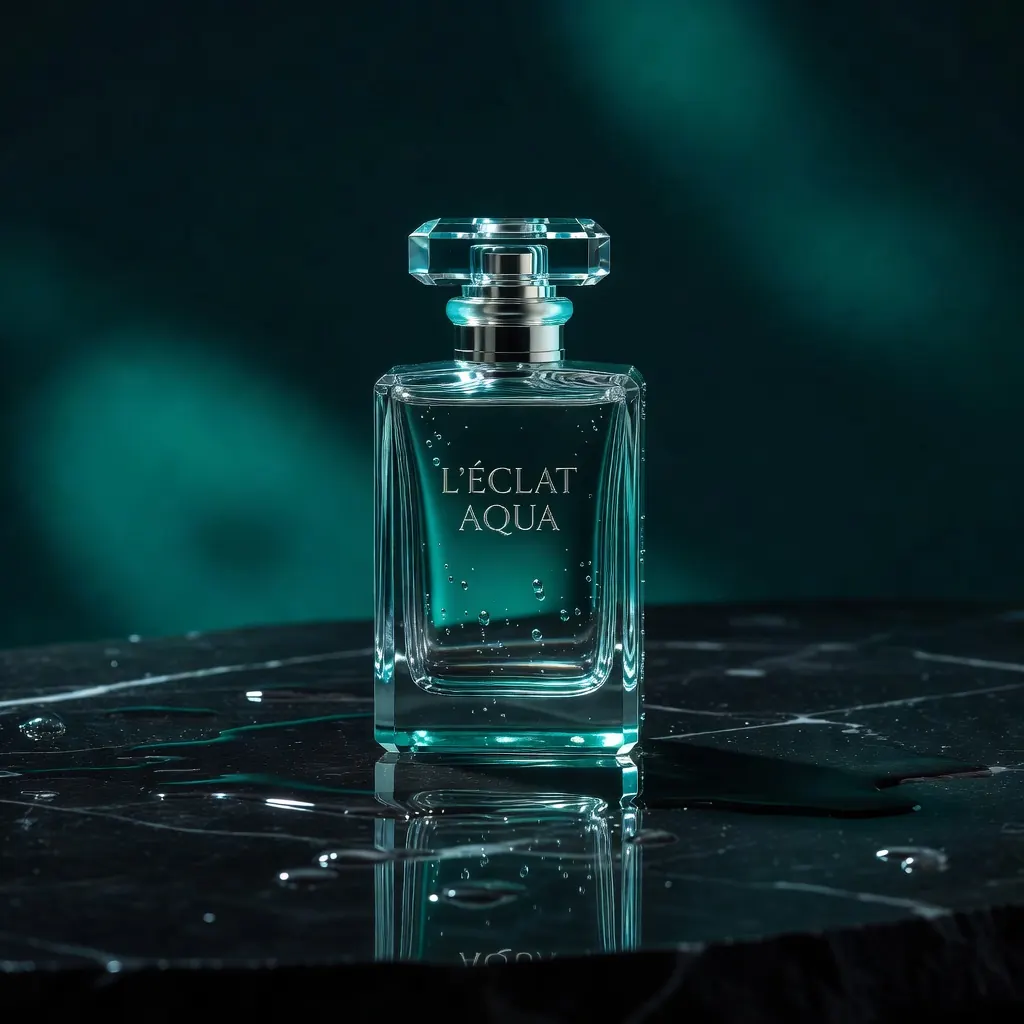



A product video can look campaign-ready in minutes and still be the wrong asset to publish. The gap is often commercial rights: whether you can use the image, clip, voice, music, logo, or source material in a paid ad, product page, client deliverable, or national campaign. This commercial usage rights guide gives marketing teams a practical way to review AI-generated creative before it enters the production pipeline.
Commercial use is not a single yes-or-no label. Rights depend on the platform terms, the model behind the output, your plan, the inputs you supplied, the content depicted, and where and how the final work will appear. A strong workflow treats rights review as part of creative production, not a last-minute legal cleanup.
What Commercial Usage Rights Actually Cover
Commercial usage rights are permissions to use an asset in activity connected to business, revenue, promotion, or client work. That can include paid social ads, ecommerce listings, email campaigns, brand websites, packaging concepts, sales decks, sponsored content, app-store creative, and broadcast placements.
The permission you need is shaped by the intended use. A visual cleared for an organic social post may not automatically be cleared for a large paid campaign. A music track that works in a short ad may carry separate restrictions for television, streaming, or resale. A generated image may be available for commercial use under a platform plan while still creating risk if it includes a recognizable person, a protected logo, or a closely imitated brand design.
For AI creative, separate two questions: “Does my tool allow commercial use of this output?” and “Does the output itself contain material I have the right to use?” The first is a contract question. The second involves intellectual property, privacy, publicity, advertising, and platform-policy considerations.
Start With the Production Terms
Before a team creates at scale, review the terms for each generation tool in its workflow. Confirm what your plan allows, whether rights differ between free and paid tiers, and whether commercial rights apply to the specific model or feature you are using.
Look for ownership language, commercial-use permissions, attribution requirements, restrictions on prohibited content, indemnification terms, and rules on using outputs for clients. Also check whether terms can change and whether existing outputs remain covered after a subscription ends. Keep a dated copy or record of the applicable terms for major campaigns.
This matters most when a workflow combines image, video, voice, and music generation. A finished ad is only as commercially usable as its most restricted component. If the image is approved but the music license limits paid media, the full ad needs a different soundtrack or a different deployment plan.
Nox AI brings image, video, voiceover, music, and finished-ad production into one workspace, but teams should still validate the applicable rights and policies for every chosen model, output type, and campaign use. A unified workflow reduces production handoffs. It does not remove the need for a clear approval process.
Know What You Brought Into the Prompt
Your inputs matter as much as the generated result. Uploading a customer photo, competitor ad, celebrity image, stock visual, product packaging, or copyrighted artwork can introduce restrictions that no generation setting can erase.
Only upload material your business owns or has permission to use for the planned purpose. If a client provides assets, document that the client has supplied the necessary rights. If your team uses brand reference images, confirm they are internal assets, properly licensed references, or materials cleared for transformation and campaign development.
Avoid prompts that request a living artist’s exact style, a recognizable celebrity, a fictional character, or a competitor’s distinctive campaign. Even when an output is technically original, the commercial risk rises when the instruction is designed to reproduce someone else’s identity or protected creative territory.
Run an Output Review Before Publishing
A fast visual review catches problems that prompt writing alone cannot. Inspect every final asset, including alternate cuts, resized placements, captions, thumbnails, and localized versions. Small changes can introduce new text, symbols, or references.
Review for recognizable faces, brand names, logos, product marks, copyrighted characters, misleading claims, and sensitive imagery. Text-rendering is especially worth checking. An otherwise usable product image can become a problem if it generates a competitor name on packaging, an invented certification badge, or a medical claim your business cannot substantiate.
Use a higher review threshold when the asset will receive paid distribution, appear on packaging, represent a regulated product, or be delivered to a client. Organic test content may be lower stakes, but it still creates a public record. Treat speed as a reason to build a repeatable review system, not a reason to skip it.
People, Voices, and Identity Need Extra Care
A photorealistic person or natural-sounding voice can improve conversion, but identity creates its own set of obligations. Do not represent a generated person as a real customer, employee, expert, or endorser unless that claim is true and authorized. Do not use a voice that imitates a known person without clear permission.
For real people in source material, obtain a release that covers the actual intended use. A casual permission to post a photo is not necessarily permission to use it in paid advertising, international distribution, or a campaign that runs for years. The release should address media, geography, duration, editing rights, and whether the content can be used with AI-assisted production.
If you create an AI spokesperson, keep the copy honest. The voice should not make unsupported testimonials, guarantee results, or imply personal experience it does not have. This is both a rights issue and an advertising-trust issue.
Match Rights to the Campaign Scope
Rights reviews fail when teams ask only whether an asset is “commercial.” The better question is: commercial for what, where, and for how long?
A useful internal approval record should identify the campaign, asset version, generation date, tool and model used, input sources, applicable plan, intended channels, target countries, paid versus organic use, and any required disclosures or restrictions. This does not need to be a complex legal database. A shared campaign record can provide the context a team needs when an asset is repurposed six months later.
Consider the difference between these scenarios: a founder using an image in one organic launch post, an ecommerce team using it across hundreds of product listings, and an agency delivering it to a client for a national media buy. The asset may look identical, but the exposure, distribution, and contractual expectations are very different.
When working for clients, establish who is responsible for source materials, who approves final creative, and whether the client receives rights to use the final assets or ownership of them. Put those expectations in writing before production begins. Ambiguity is expensive after a campaign is live.
Build Rights Checks Into the Creative Workflow
The most effective process is lightweight enough that busy teams will use it. Add rights checks at three points: before generation, before launch, and before reuse.
Before generation, confirm that inputs are approved and the planned tool or model supports your commercial objective. Before launch, review the final file for people, marks, claims, music, and unexpected generated details. Before reuse, revisit the original campaign record because a new channel, country, client, or paid-media plan can change the answer.
For higher-risk work, route the asset to legal counsel or a qualified rights professional. This is especially appropriate for celebrity-adjacent creative, regulated categories, entertainment references, major media buys, or campaigns built around real people. A platform’s commercial-use language is valuable, but it is not a substitute for legal advice tailored to your campaign.
Commercial Usage Rights Guide: A Better Standard for Fast Content
The goal is not to make every campaign slow. It is to make rights-aware production automatic. When your team knows where inputs came from, what the generation terms allow, and how the output will be used, it can produce more content with fewer avoidable surprises.
Create quickly, review deliberately, and keep the record with the asset. That discipline lets a strong concept move from prompt to paid campaign with the confidence that it was built for commercial use, not merely generated for it.